
How do we use AI at work?
26 June 2026
Learning Pathway:
AI Aware 101
Learn some simple ways you can use AI in your day-to-day work.
Instead of focusing on AI tools, start by thinking about the task you want to accomplish. Most workplace AI use cases fall into four categories:
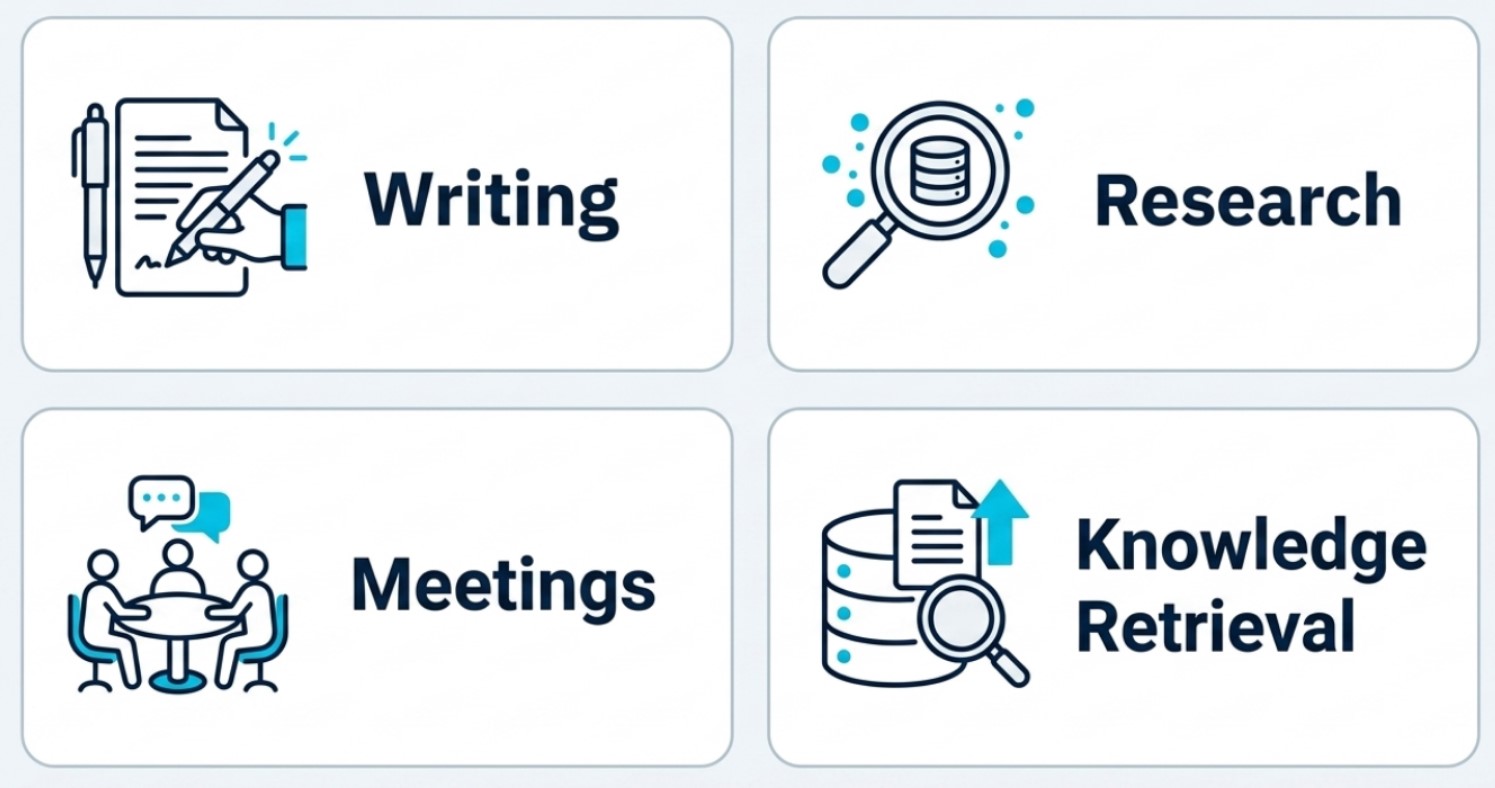
1. AI for writing
Writing is often the easiest place to start with AI. Many workplace documents follow familiar patterns, making them well-suited for AI assistance. Examples include:
Emails
Submissions
Presentation outlines
Reports
AI can help produce a first draft in seconds. Instead of starting from a blank page, you can focus on reviewing, refining and adding your expertise.
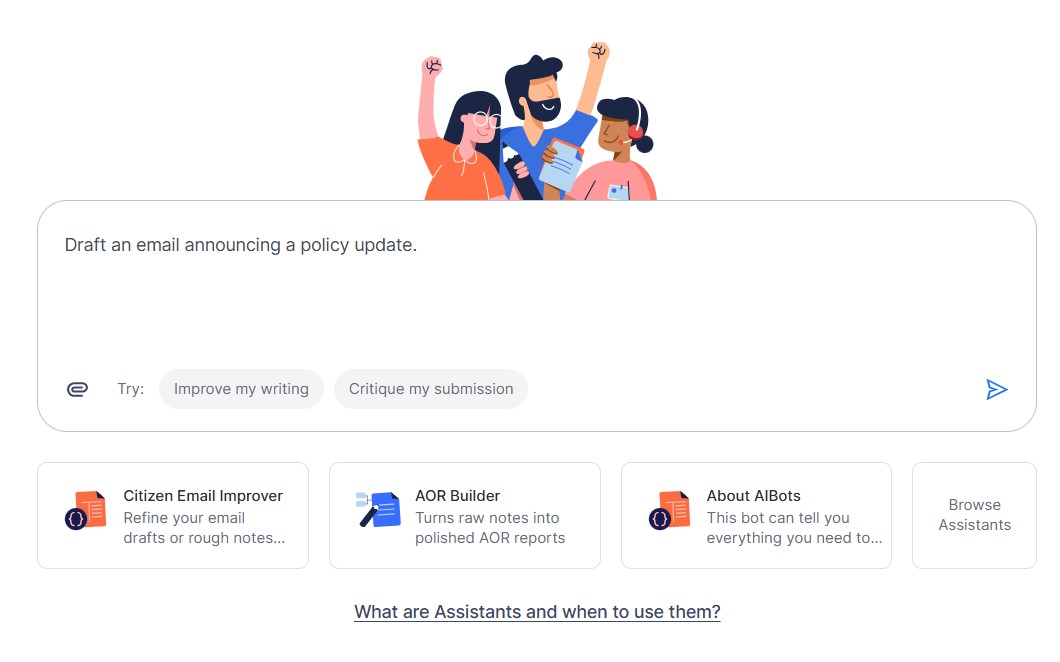
Interface of Pair Chat
💡Tool Spotlight: Pair
Pair is the Public Service's everyday AI assistant. It is designed to support common workplace tasks such as writing, summarising, brainstorming and analysing information.
For example, you might ask Pair to:
Draft an email announcing a policy update,
Rewrite a report in a more concise style; and
Create an outline for a presentation.
The more context you provide, the more useful the response becomes.
Try using Pair now! (Public Officers only) (opens in new tab)
2. AI for research
Research often involves reading large amounts of information before reaching a conclusion. AI can accelerate this by going through your documents to organise information, compare viewpoints and identify recurring themes.
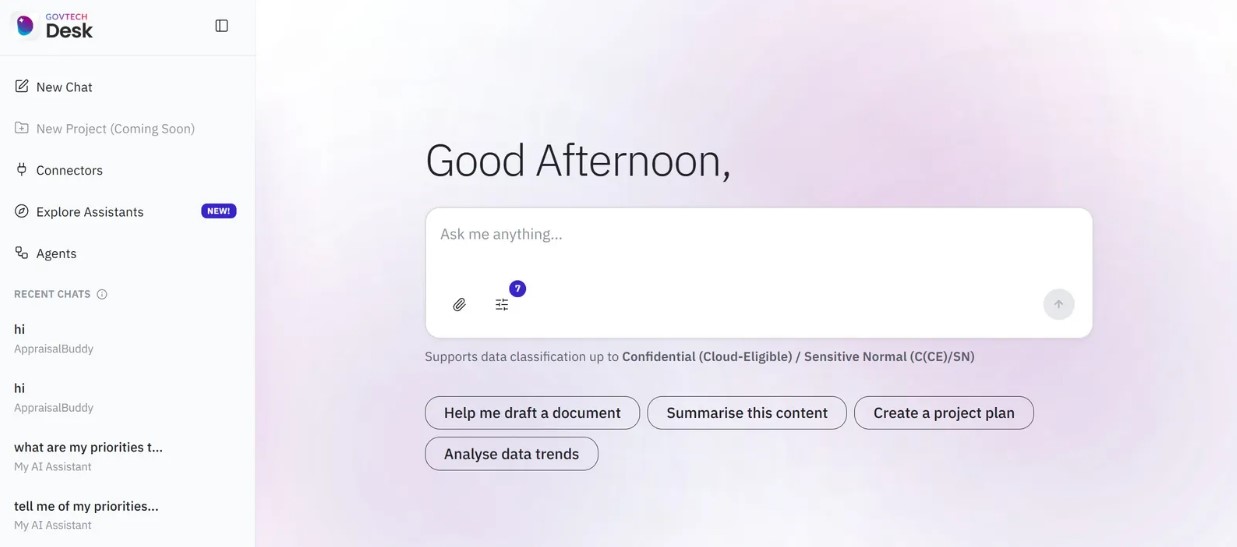
Interface of Desk
💡Tool Spotlight: Desk
GovTech's Desk allows agencies to create customised AI assistants using their own documents.
Examples include:
HR policy assistants
Procurement guidance bots
Onboarding bots for new officers
For example, an officer could simply ask: "What is the approval process for purchases above $6,000?"
The chatbot retrieves the information from your agency's documents, and responds with the steps.
Try using Desk now! (Public Officers only) (opens in new tab)
This is an example of Retrieval-Augmented Generation (RAG), where an AI model combines its general capabilities with organisation-specific knowledge to produce more relevant and grounded responses.
3. AI for meetings
Meetings generate a large amount of information in the form of notes, decisions, and follow-ups. Capturing all of this manually takes time and can distract from the conversation.
AI can help by:
Transcribing discussions
Drafting meeting minutes
Extracting action items
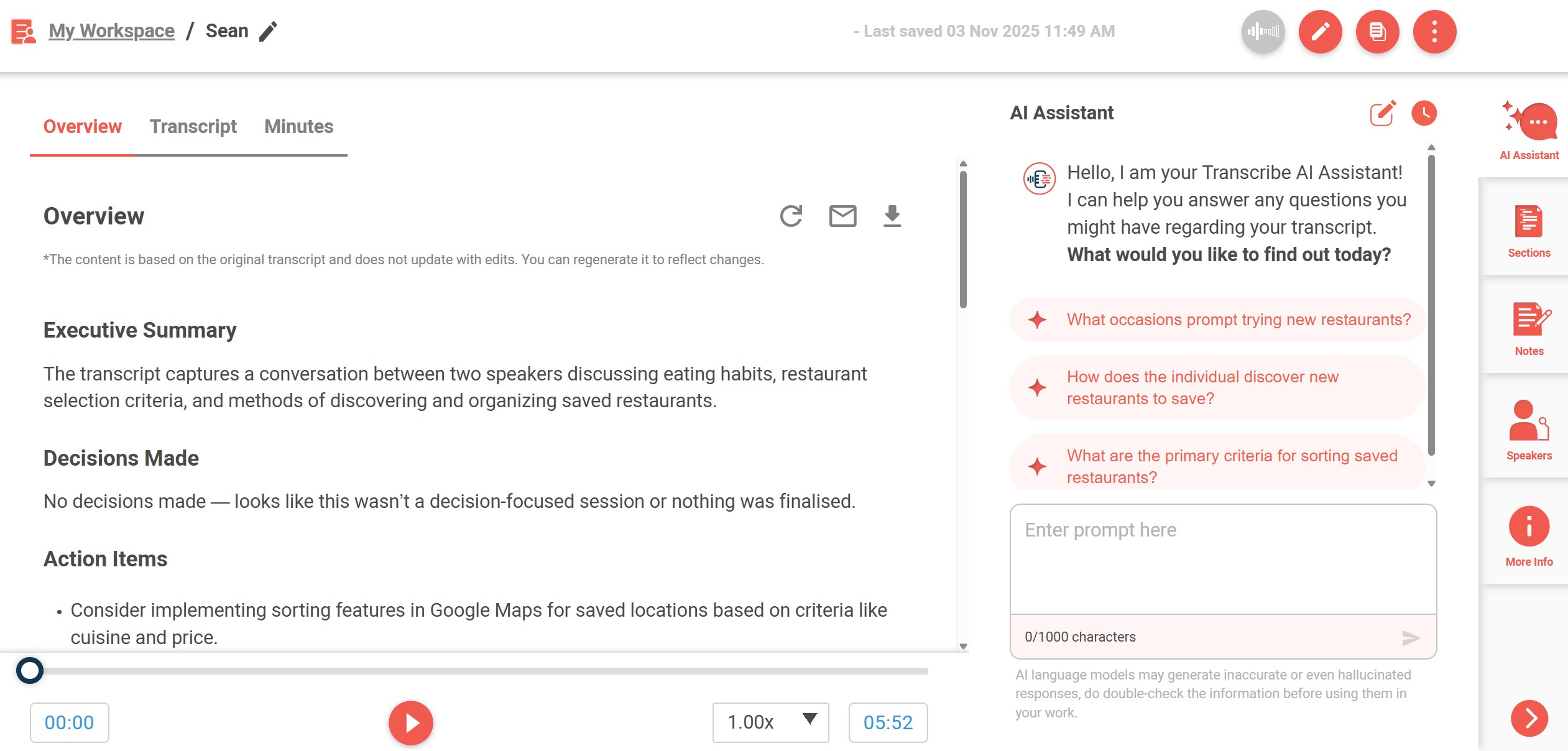
Interface of Transcribe
💡Tool Spotlight: Transcribe
Transcribe securely converts speech into text, making it easier to capture meetings, interviews and workshops.
A typical workflow might look like this:
Record the meeting using Transcribe
Generate a transcript
Use AI to summarise the discussion
Review and finalise the meeting minutes before sharing them
Try using Transcribe now! (Public Officers only) (opens in new tab)
Explore the Transcribe Toolkit (Public Officers only) (opens in new tab)
4. AI for knowledge retrieval
One of the most common workplace frustrations is knowing the information exists — but not knowing where to find it. Relevant information may be spread across:
SharePoint sites
Emails
Microsoft Teams conversations
AI can help retrieve and synthesise information across multiple sources.
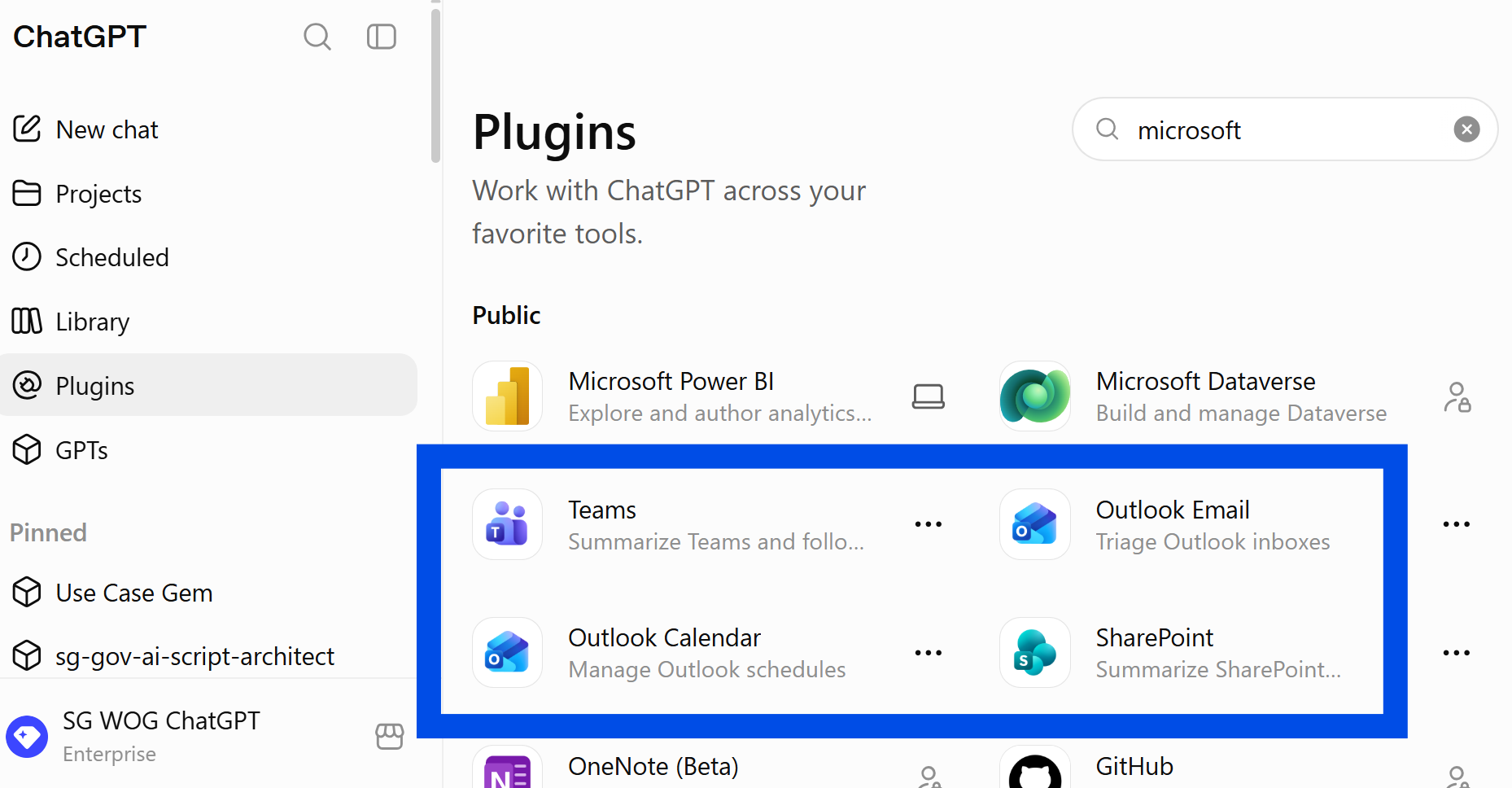
Examples of ChatGPT Connectors
💡Tool Spotlight: ChatGPT Enterprise
ChatGPT Enterprise allows you to connect AI securely to Microsoft Outlook, SharePoint and Teams using connectors.
Instead of searching multiple sources individually, you can ask questions in natural language, such as:
What decisions were made about [my project]?
Summarise the latest documents relating to this policy.
What action items are still outstanding from the project team?
The AI finds relevant information from your connected apps before generating a response, helping you find what you need quickly.
Try ChatGPT now! (Enterprise account required) (opens in new tab)
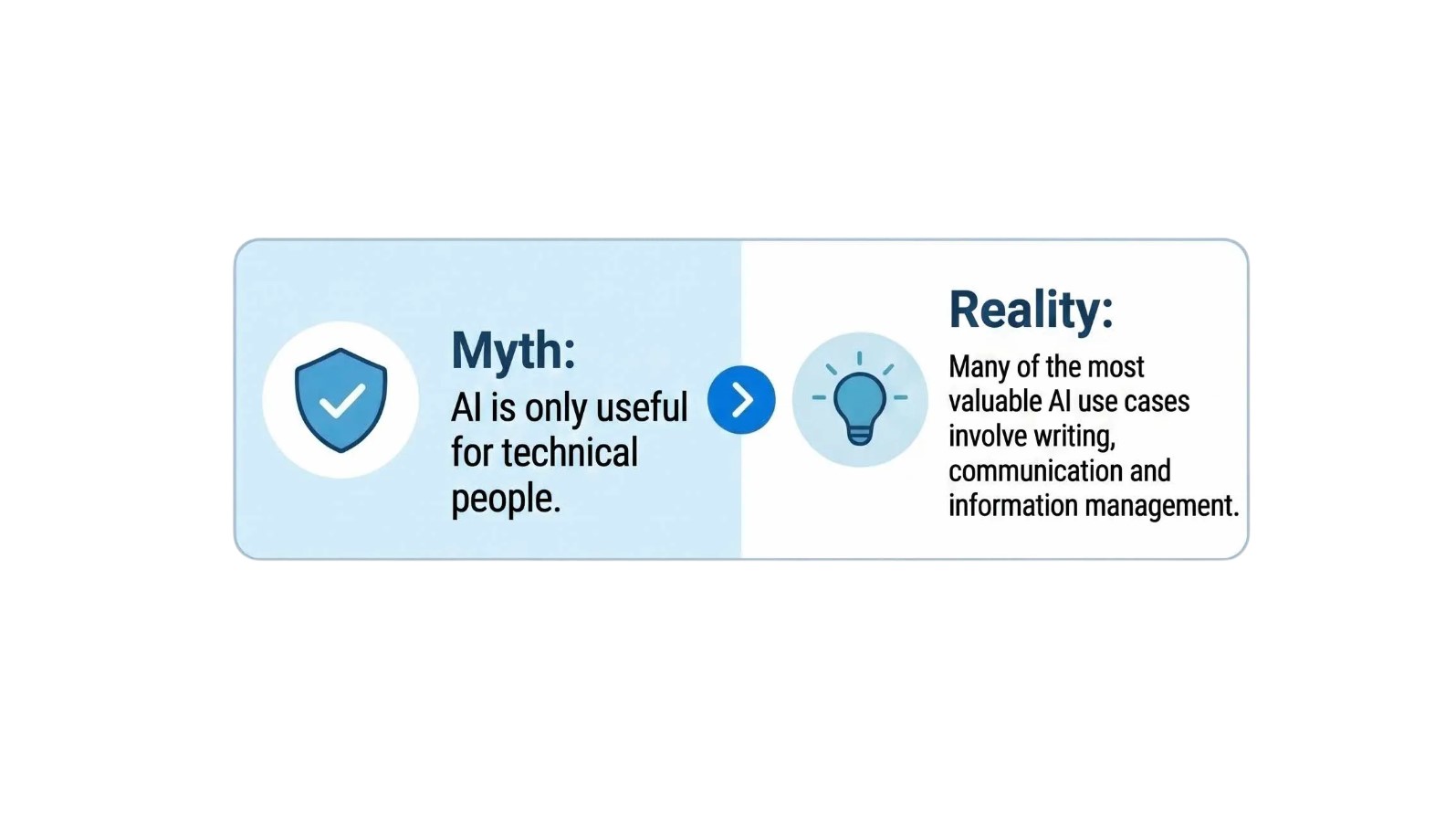
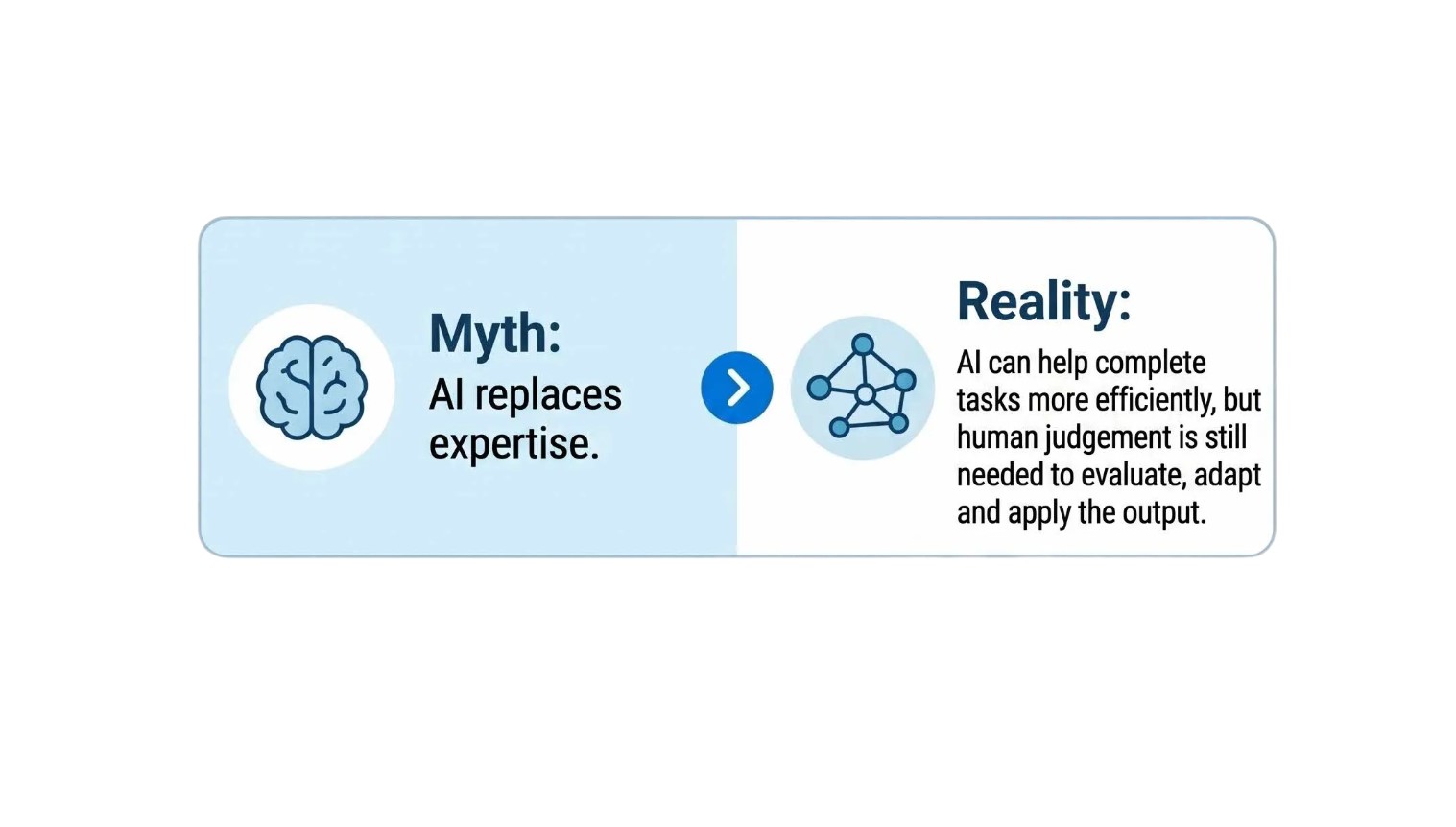
Common misconceptions
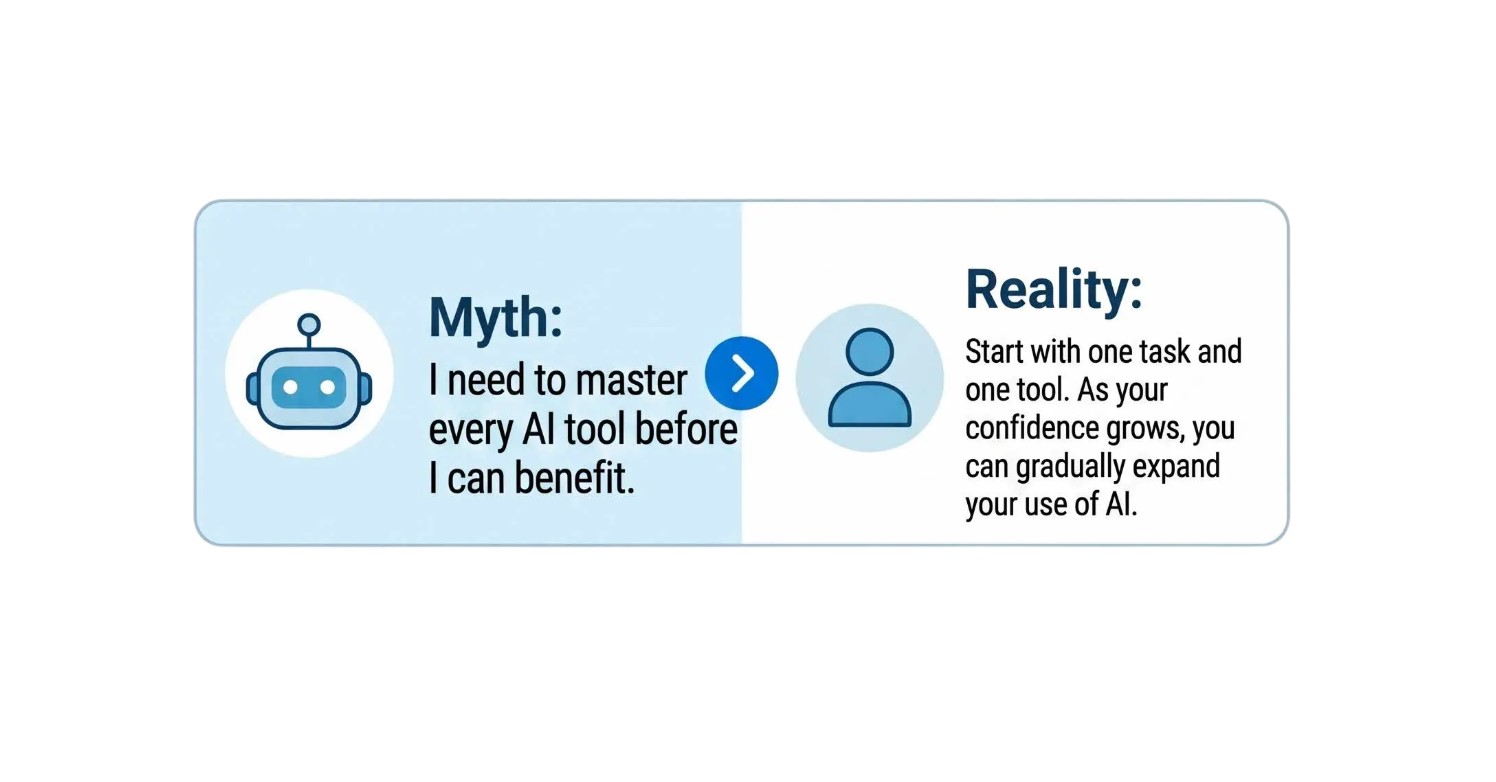
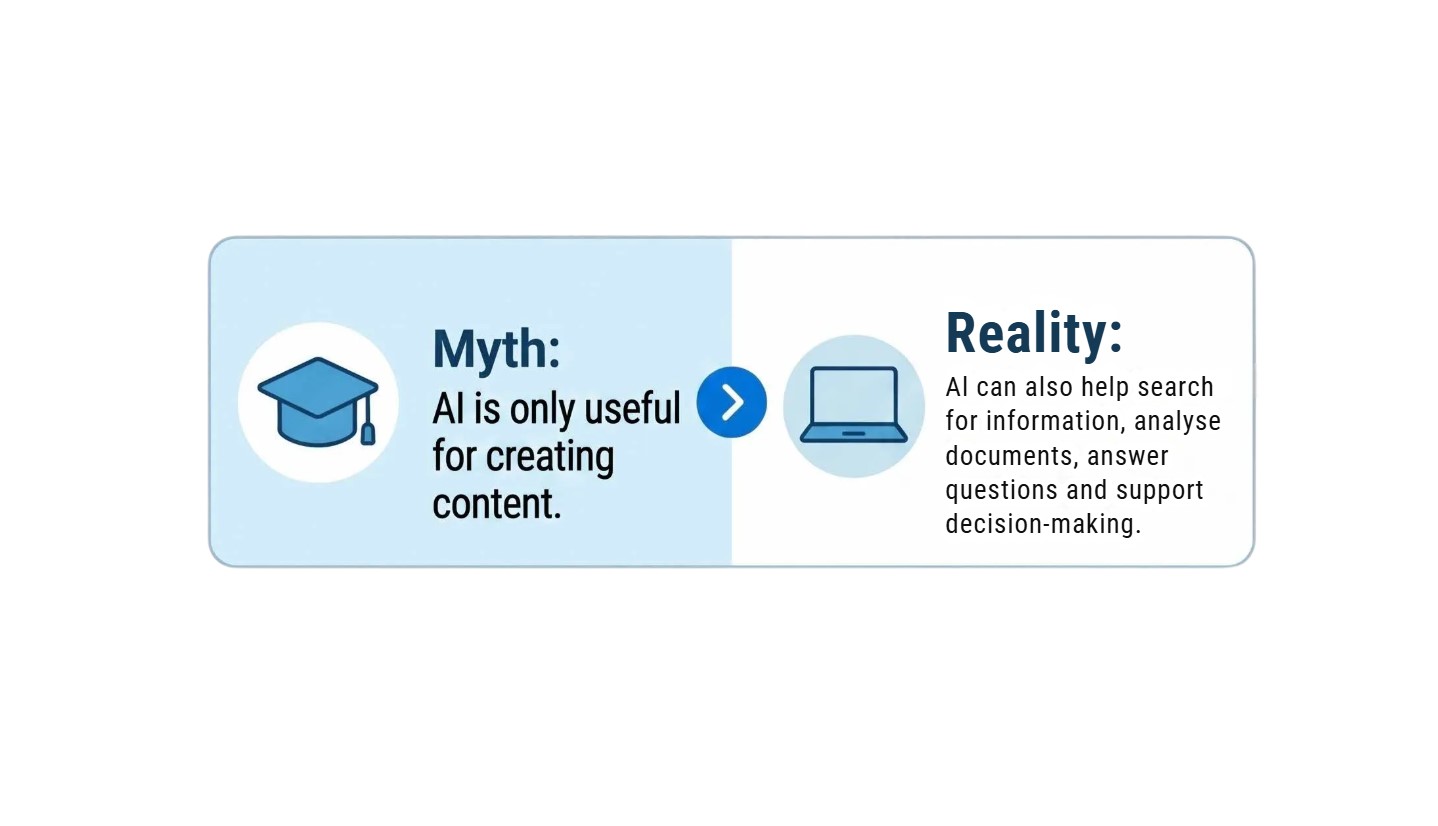
Let's look at some common myths about using AI at work.
Now it's your turn to try!
Don't try to use AI for everything at once. Start with one task you do regularly, such as:
Drafting a routine email
Summarising a report or meeting notes
Finding information in internal documents
Remember: the goal isn't to use AI for everything — it's to save time on the repetitive tasks so you can focus on work that matters most.