
AI 101 Aware
Introduction to Prompting
29 June 2026
The one skill that makes every other guide in this series work better.
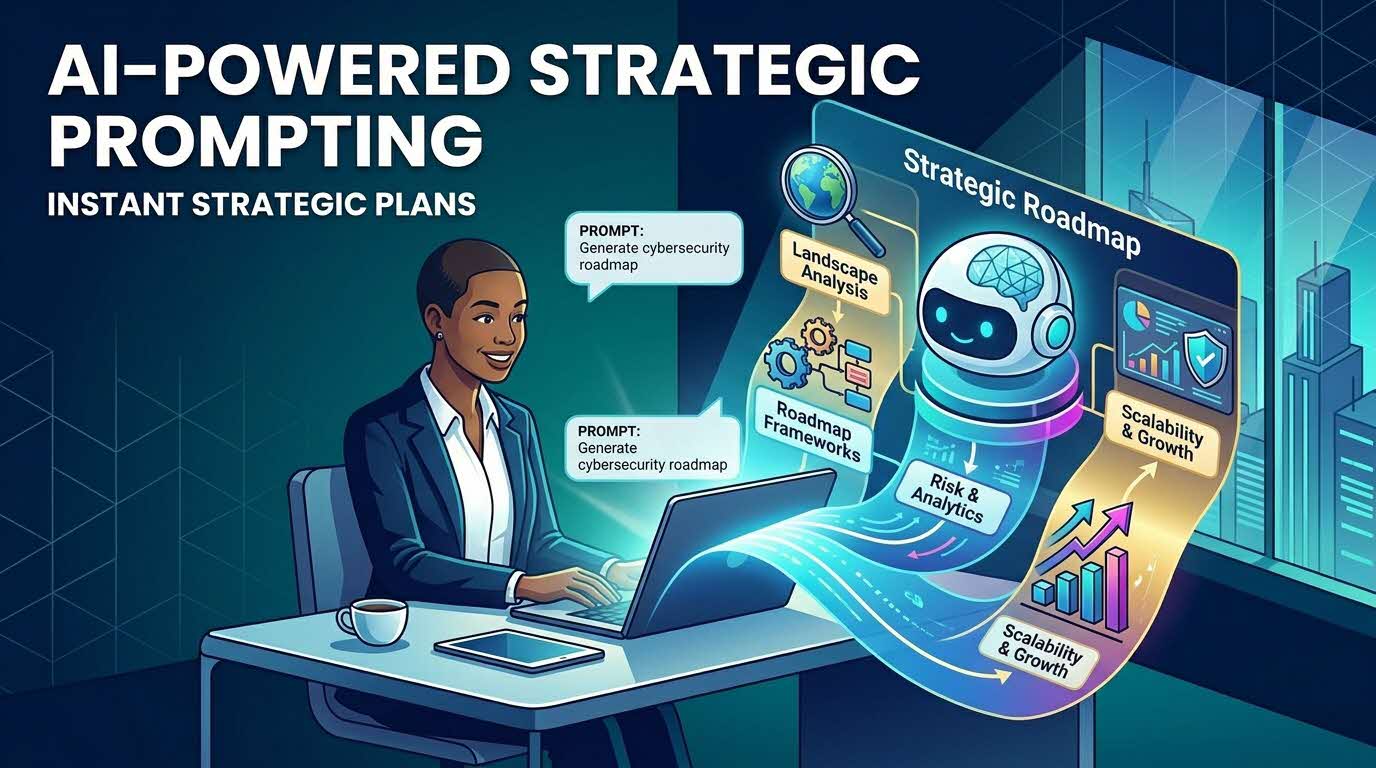
Most disappointing AI answers are not really an AI problem, they are an instruction problem. AI is powerful, but it cannot read your mind, and the difference between generic output and genuinely useful results often comes down to the quality of the prompt.
A prompt is simply how you give the AI instructions in order to get what you want.
By sharpening your prompts, you lift the quality of every AI interaction, reduce wasted time spent correcting vague answers and re-prompting, and build a durable skill that keeps delivering value even as tools and models evolve.
The C.R.A.F.T. spine
Here is a five-part recipe that could serve as a guide. A weak prompt is often due to one of these five elements being thin.
C.R.A.F.T.
C | 📂 Context | The background, plus who the answer is for, plus an example of “good” if you have one. |
R | 🎭Role | Tell the AI who to be — “act as a policy analyst / communications manager”. |
A | ⚡Action | The goal: exactly what you want it to do, in plain words. |
F | 📋Format | What the output should look like — email, table, bullets, length, tone. |
T | 🔍Test | Don’t stop at round one. Review, challenge, ask for alternatives, iterate. |
Five techniques that work
1. Give the AI a role. “Act as a communications manager / policy analyst / project manager.” It shapes the whole response.
2. Provide an example. “Here is a previous report — follow a similar structure and style.” An example often beats a paragraph of instructions.
3. Specify the audience. “Explain this for senior management” reads very differently from “…for new officers” or “…for the public.”
4. Specify the format. Bullet points, a table, an executive summary, a slide outline — say which, and the answer lands closer.
5. Ask for alternatives. “Give me three approaches” or “challenge this recommendation.” The second or third version is often the strongest.
Your reusable prompt template
Context: [what's happening, any background the AI needs, and who the output is for]
Role: [who the AI should act as, e.g. a policy analyst]
Action: [the exact task you want done]
Format: [email / table / bullets / slide outline / length]
Additional requirements: [tone, style, things to avoid]
Worked example:
Context: We are launching a new staff wellbeing programme for agency A.
Role: Act as an internal communications manager at agency A, who has been tasked to apprise the entire agency on the programme details for the upcoming staff well-being programme.
Goal: Draft an announcement for all officers in XX agency, informing them of the details of the programme.
Format: Email under 250 words with three key benefits and a
clear call to action.
Additional requirements: Warm but professional. No jargon.
🔁 The Mindset Shift: From a Prompt to a Conversation
The biggest difference between people who get great results and people who don’t isn’t the wording of a single prompt — it’s that experienced users treat AI as a collaborator, not a search engine. They rarely get it perfect on the first try, and they don’t expect to.
Step-by-step: the refinement loop
The best answers usually emerge after a few rounds. Here’s the same task getting sharper each time:
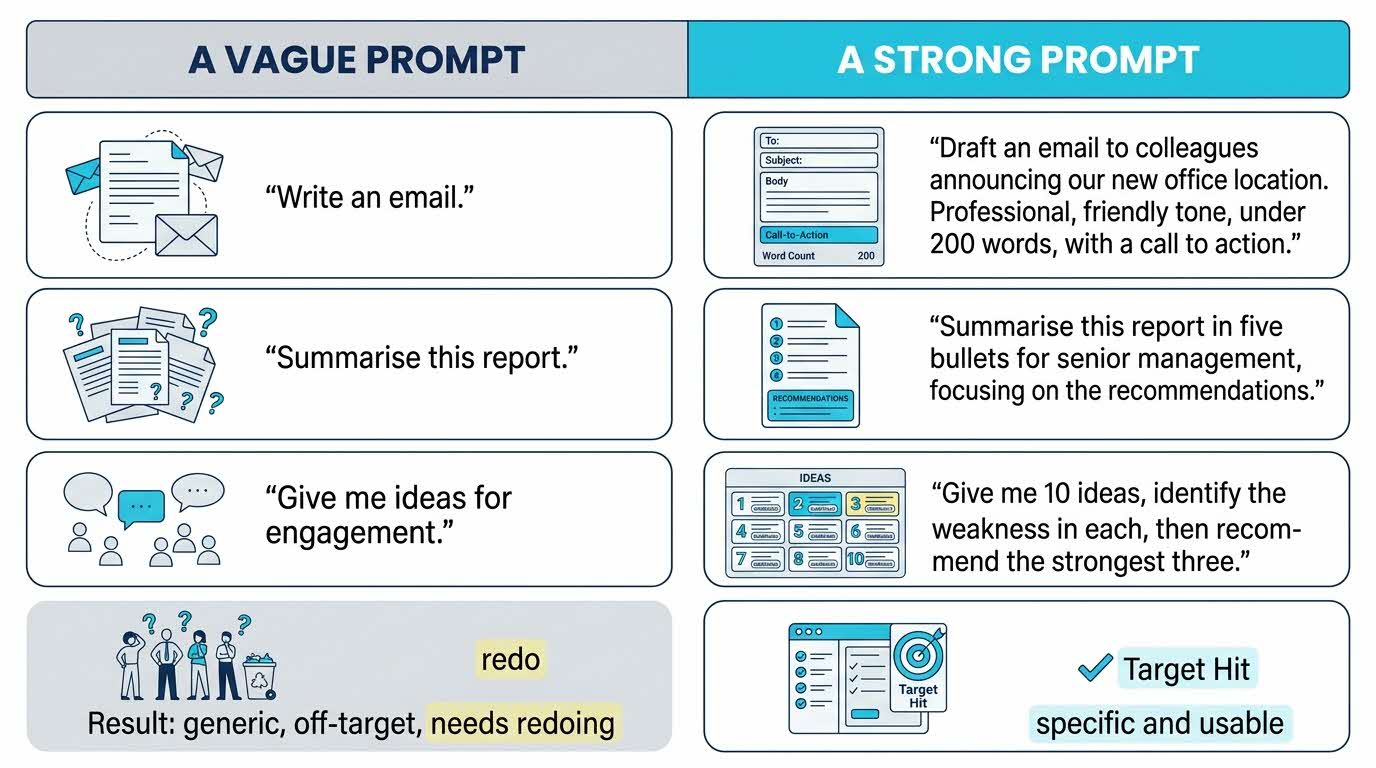
Round 1 — start broad: “Summarise this report in five bullets for senior management, focusing on the recommendations.”
Round 2 — reshape it: “Convert those into a table showing impact, effort, and implementation risk.”
Round 3 — pressure-test it: “Challenge these recommendations and flag the weakest one.”
Make it repeatable. Save your own starter tool.
Once a phrasing works well for a task you do often, save it as a reusable Skill or Custom GPT with the prompt below, so you never start from a blank box.
Use this to make your prompt into a reusable skill.
Package this instruction as a reusable Skill called
'[task name] Starter'. Next time, I'll give you the specifics
and you'll apply this structure, tone, and format.
What This Means for You
With better prompts, you get sharper, more usable answers from any AI tool, because you’ve learned to communicate what you actually want.
This translates to fewer off-target responses to fix, less rework, and greater work efficiency and productivity.
And all it takes is clearer instructions!
💡 Common mistakes to avoid
• Being too vague. Don't just tell the AI to : “Help me write something”, but instead: “Draft a one-page briefing note on the attached report.”
• Giving too little context. The AI only knows what you tell it. The background you skip is the quality you lose.
• Expecting a perfect answer. AI generates drafts, not final products. Review and improve before using.
• Stopping after the first reply. The first response is the starting point, not the destination. Always engage in further refinement and challenge to improve eventual output quality.
Now its your turn to try!
Try your hand at using the C.R.A.F.T. spine for your next prompt and compare your results!
Remember: the goal isn't to get what you want with one single prompt, but further iteration and refinement to sharpen your output, before you convert it into a reusable skill.