
Capstone Project - AI 301: Build with AI
Step by step on how to submit your capstone
Last updated 15 September 2026
What's this capstone project?
Completed the guides within AI 301: Build with AI? Apply what you learnt by thinking through a problem, and building a solution using a vibe coding tool, or using an enterprise AI solution.
Complete your assessment in 4 steps:
Craft a Problem Statement
Build a Solution
Chat with the [AI 301: Build with AI] Evaluator
Claim your certificate
1. Craft a Problem Statement
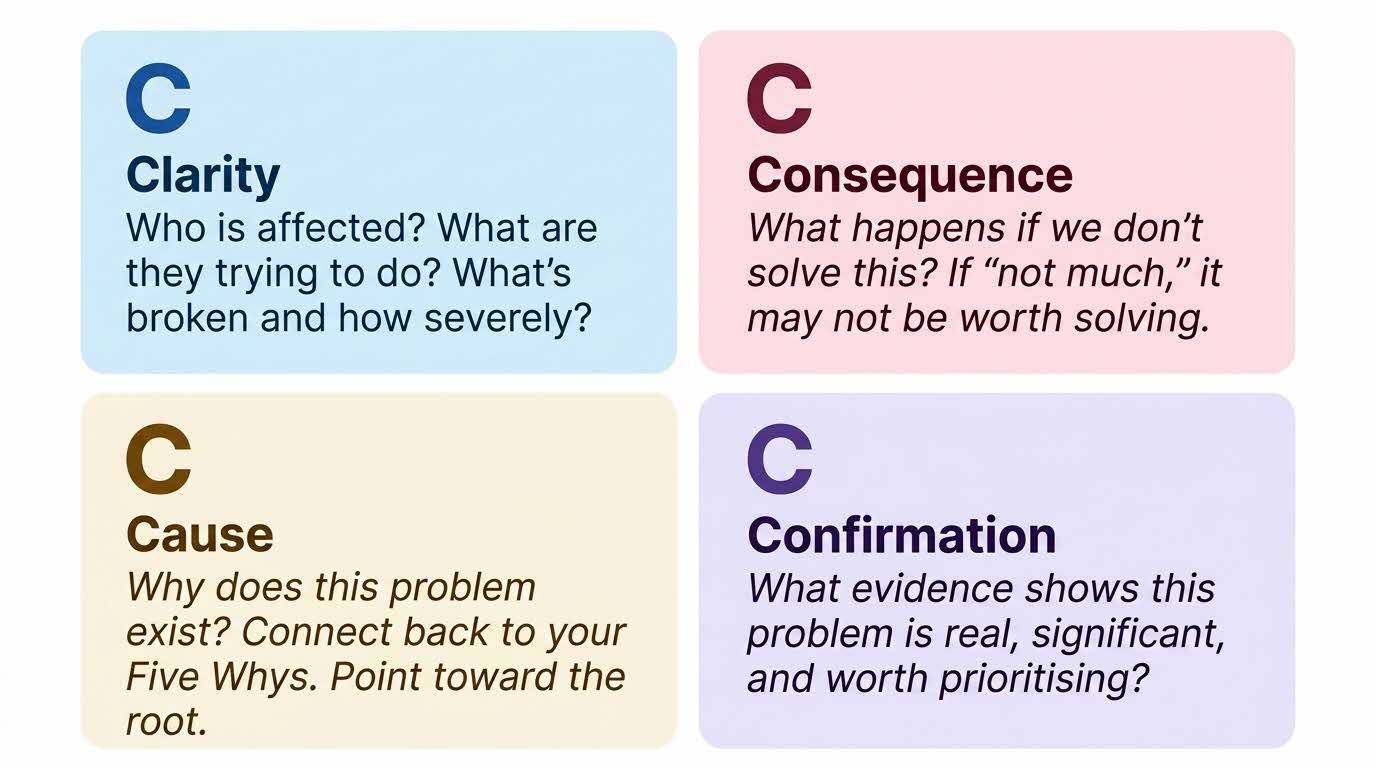
☑️ Think about a problem you are facing at work, or even in your personal life. Craft a problem statement according to the 4Cs you have learnt.
Example of Problem Statement:
My team does shift work. Rostering officers is a manual process.
🟦 Clarity: Operations supervisors rely on a shared spreadsheet to manage shift rosters, making updates time-consuming and error-prone.
🟥 Consequence: Missed roster updates can result in understaffed shifts and service disruptions.
🟨 Cause: Rostering is handled manually across multiple tools with no real-time synchronization.
🟪 Confirmation: The team faces frequent roster-related issues, with staff regularly missing schedule changes.
2. Build a Solution
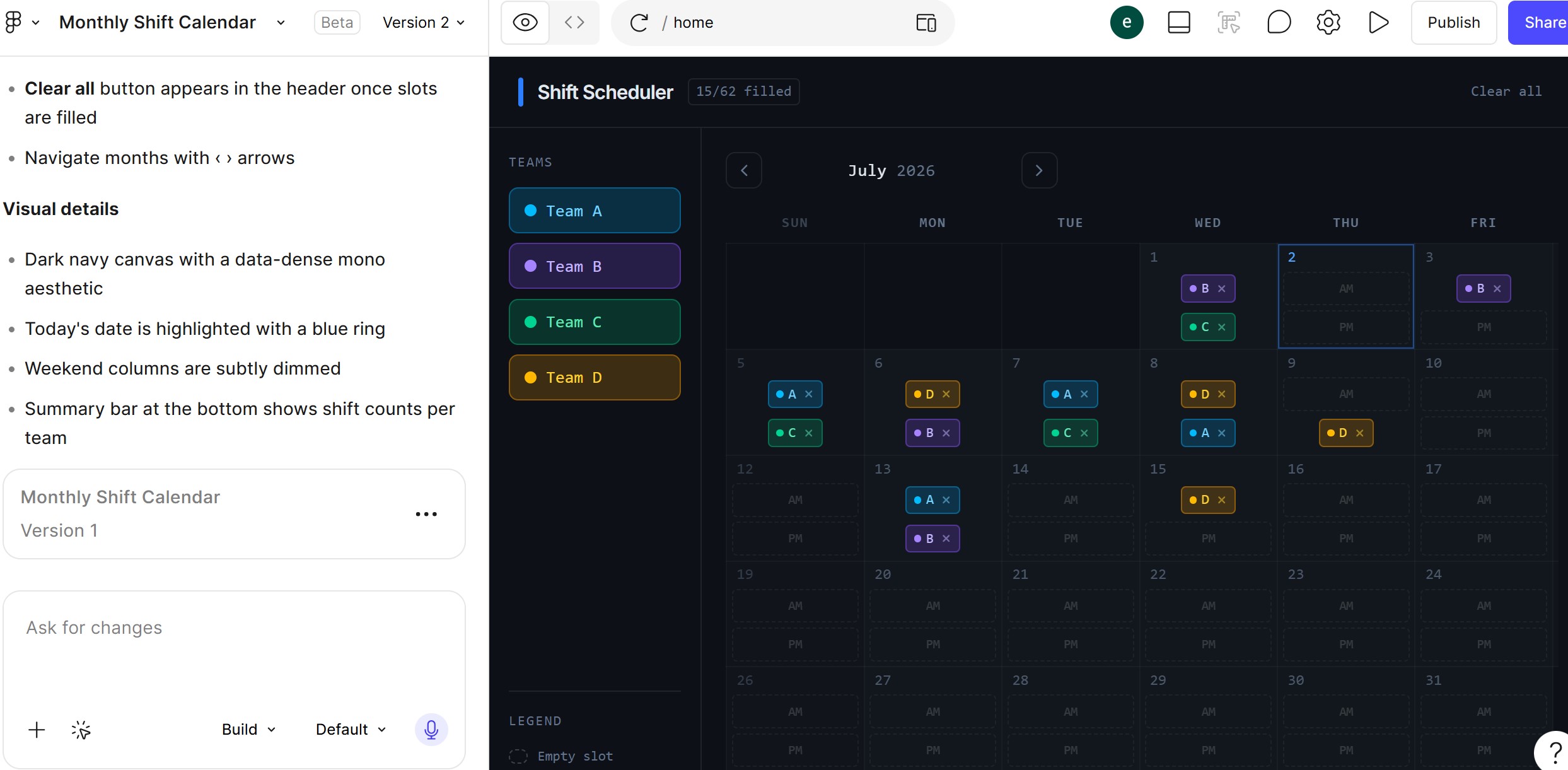
☑️ Now, build a solution to your problem. You can use a vibe coding tool such as Figma, or use enterprise AI solutions such as ChatGPTs Custom GPTs and skills.
Example of Solution:
Shift Scheduler
A drag-and-drop roster calendar that lets supervisors assign officers to shifts. Built with Figma.
Input: Supervisors drag and drop officers into shifts, while the system updates the roster and tracks changes in real time.
Output: A live, up-to-date roster that all staff can view
3. Chat with the Evaluator
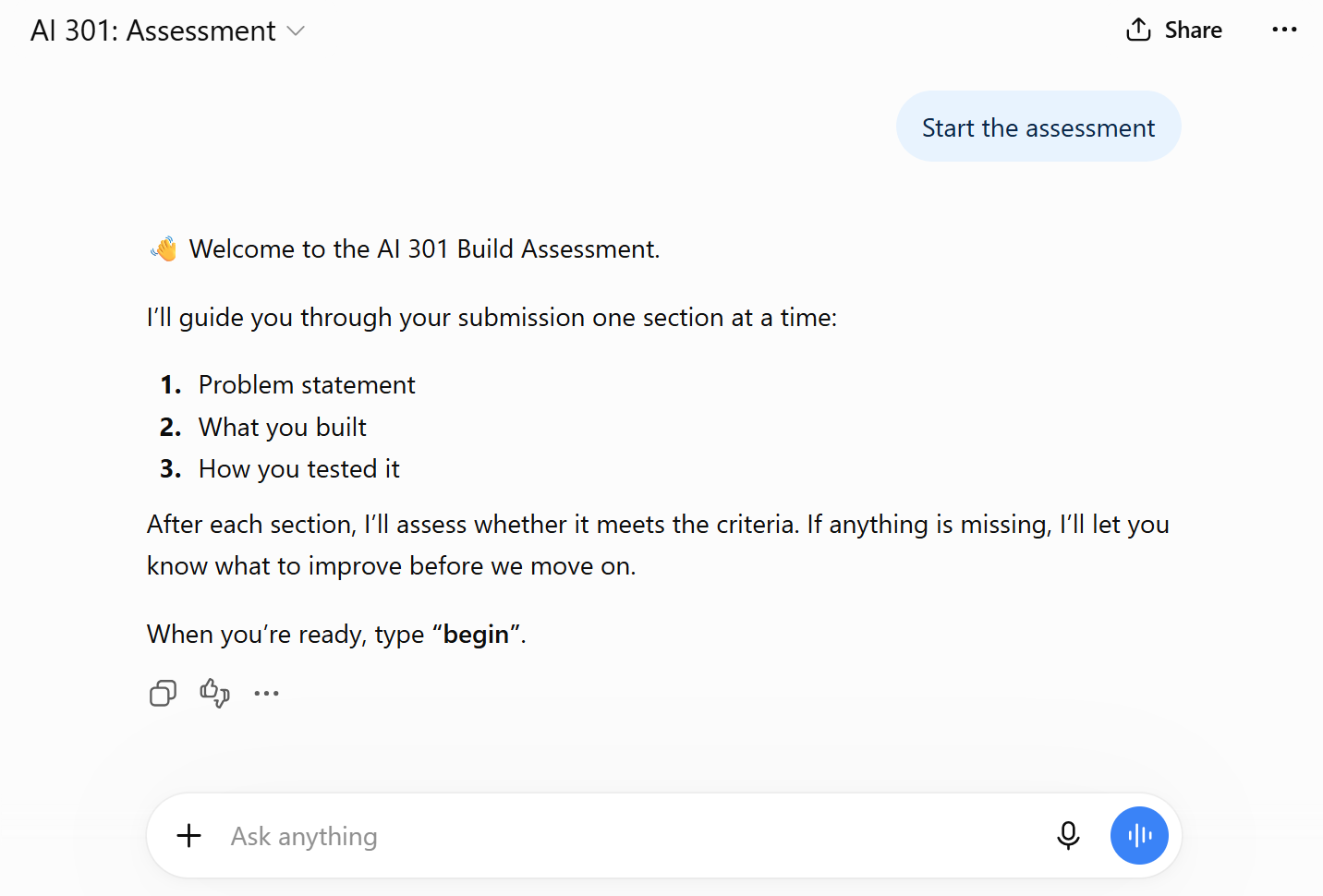
☑️ Log in to ChatGPT Enterprise (opens in new tab), and access the ChatGPT AI 301: Build with AI Evaluator (opens in new tab).
Follow the AI's instructions to submit:
Your problem statement,
Your built solution and;
How you might test it.
*A WOG ChatGPT account is required to access the Evaluator. If your agency is on a different ChatGPT workspace, please have your agency IC contact IDG at idg@mddi.gov.sg (opens in new tab).
4. Claim your certificate
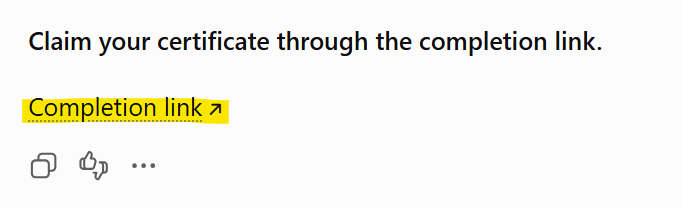
☑️ On completion, churns out a submission pack containing:
Your problem statement
What you built and on which platform
The completion link to claim your certificate
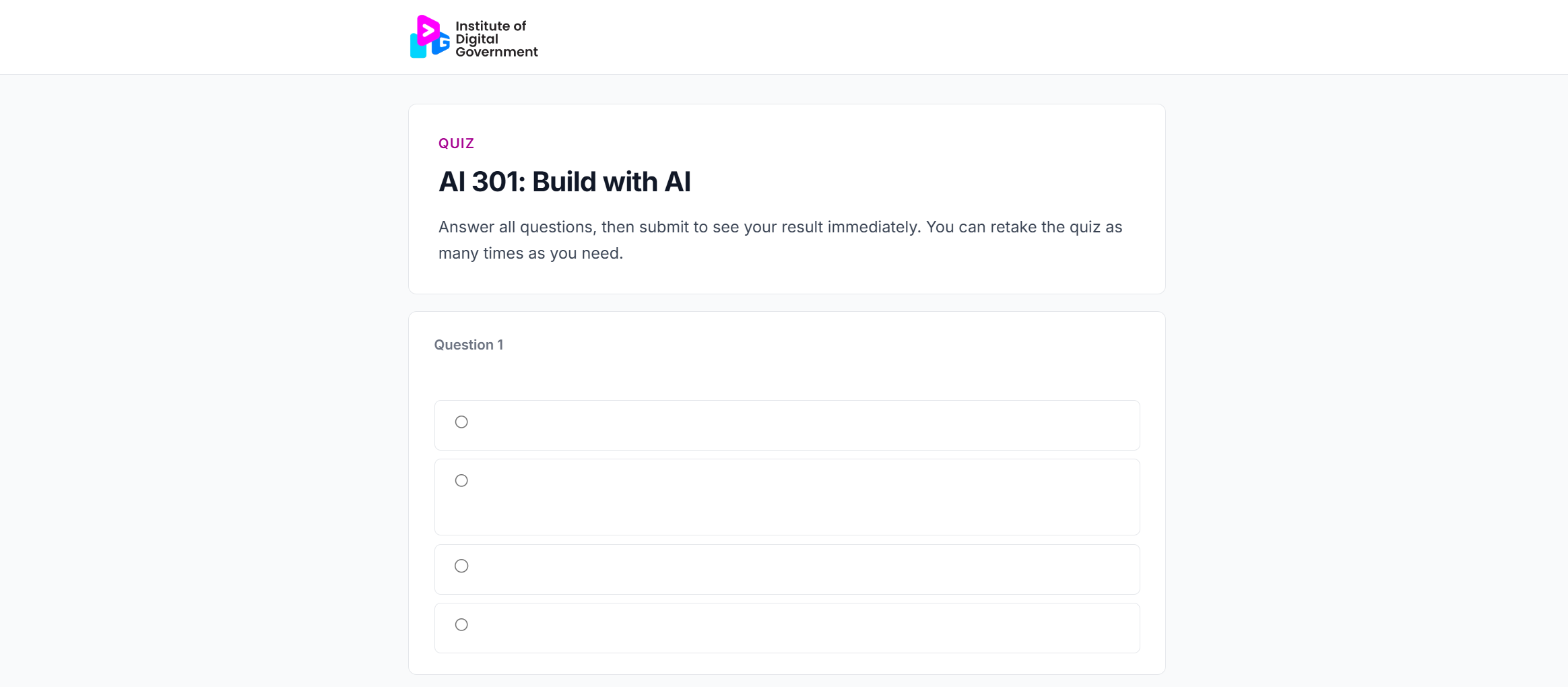
☑️ Answer 3 short questions on what you have learnt in AI 301: Build with AI.
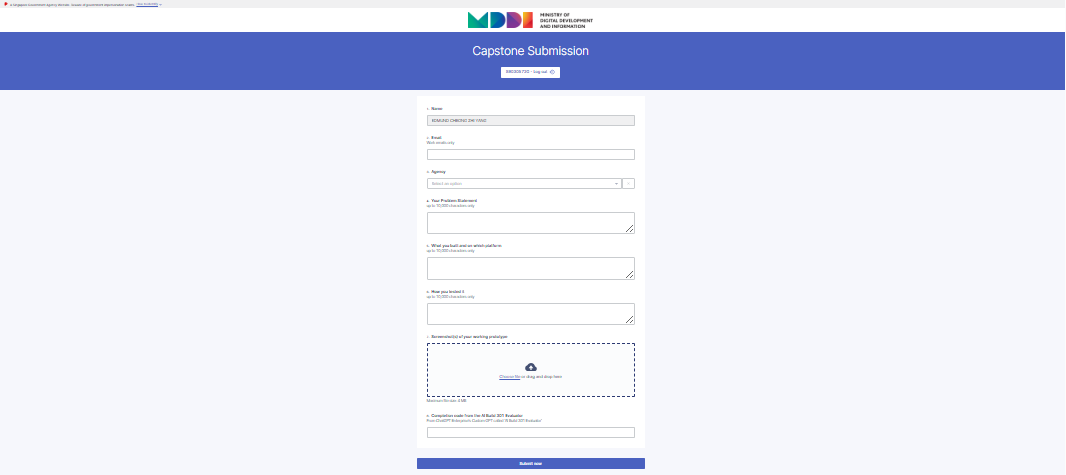
☑️ Fill up the FormSG submission with your problem statement & solution.
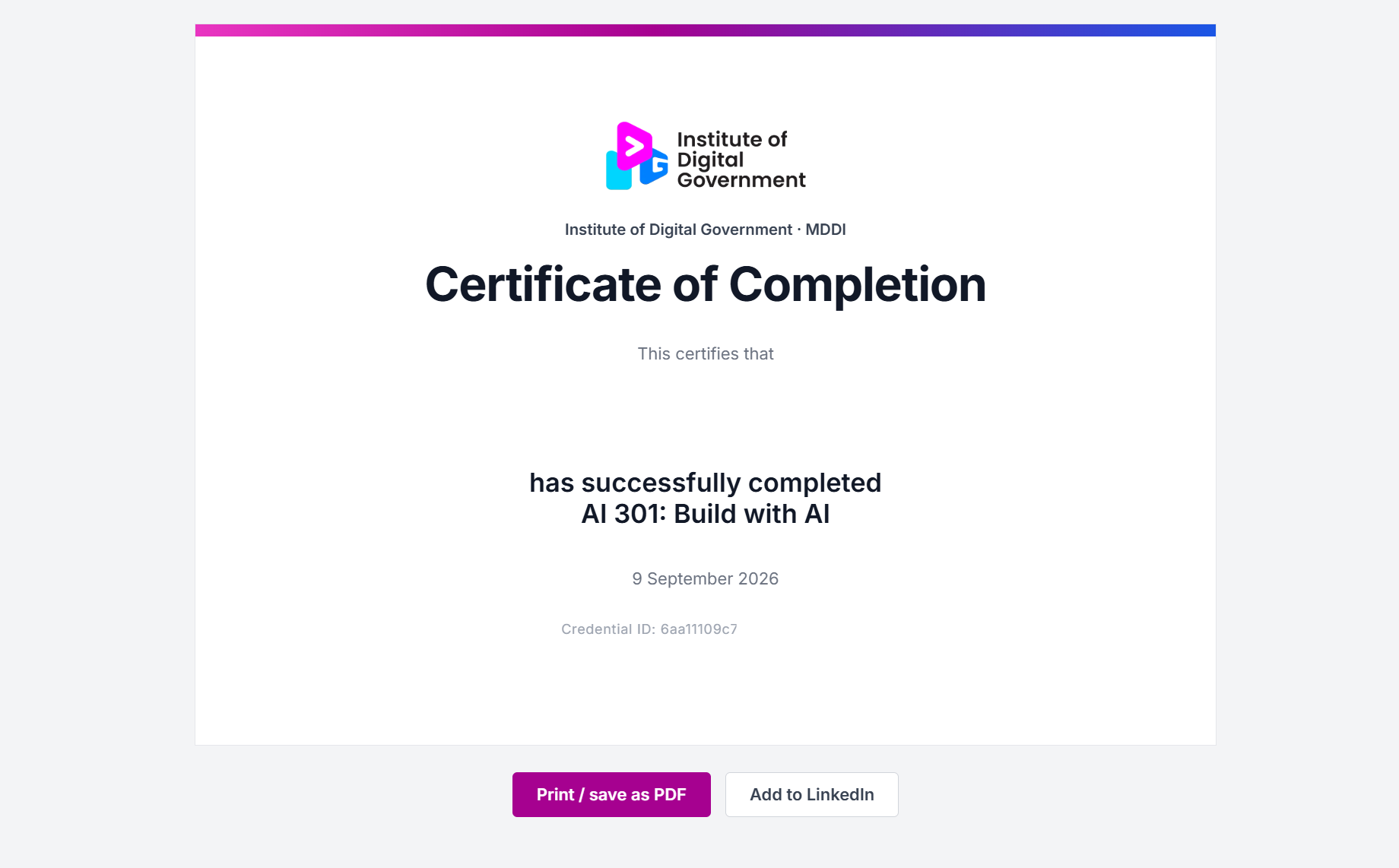
☑️ You will receive your certificate of completion in your email inbox.
Ready to Start?
Launch the AI 301 evaluator here: