
Build an app on Figma Make
7 July 2026
Learning Pathway:
AI Build 301
Learn how to turn a routine team process into a working prototype in Figma Make, using plain English and no coding.

Today's Exercise
Many team workflows start in spreadsheets but become harder to manage as they grow. With AI tools like Figma Make, you can quickly turn those workflows into simple apps your team can test and use.
In today's exercise, we will build a calendar app to replace a spreadsheet-based shift roster. You can do so in 3 simple steps:
Describe your app
Refine it by chatting
Publish and share
Here’s what you need for this exercise
Tools and inputs required:
🛠️ Tool | Figma Make |
📂 Your input | A description of the app you want to build |
Step 1: Describe your app
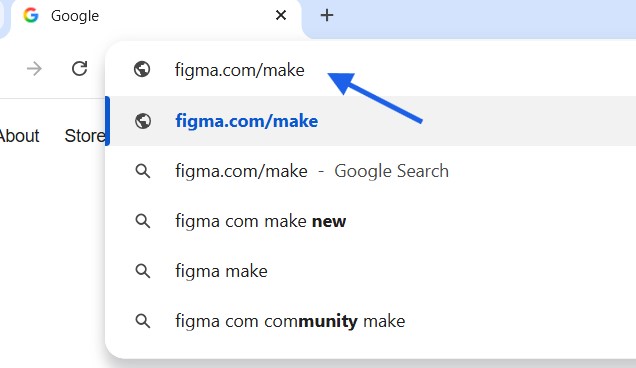
☑️ Go to figma.com/make (opens in new tab)
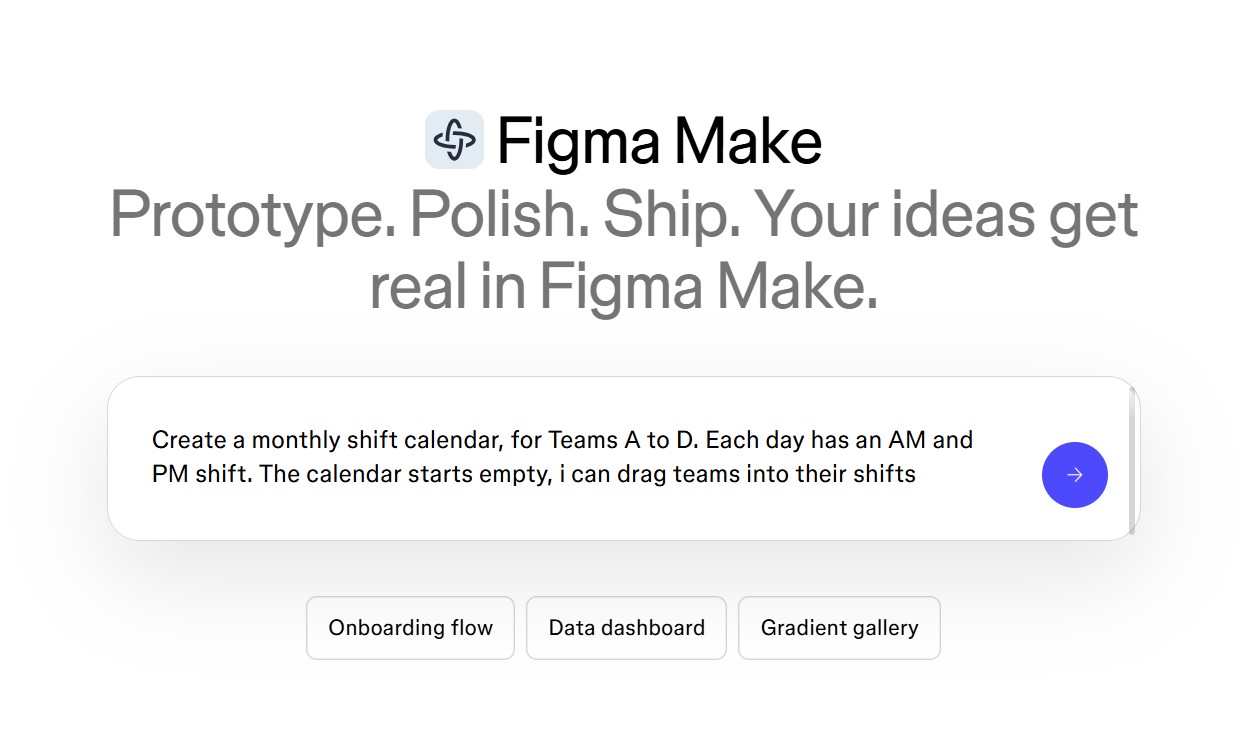
☑️ In the chat box, type your idea and press enter. Remember: do not input sensitive information into public AI tools.
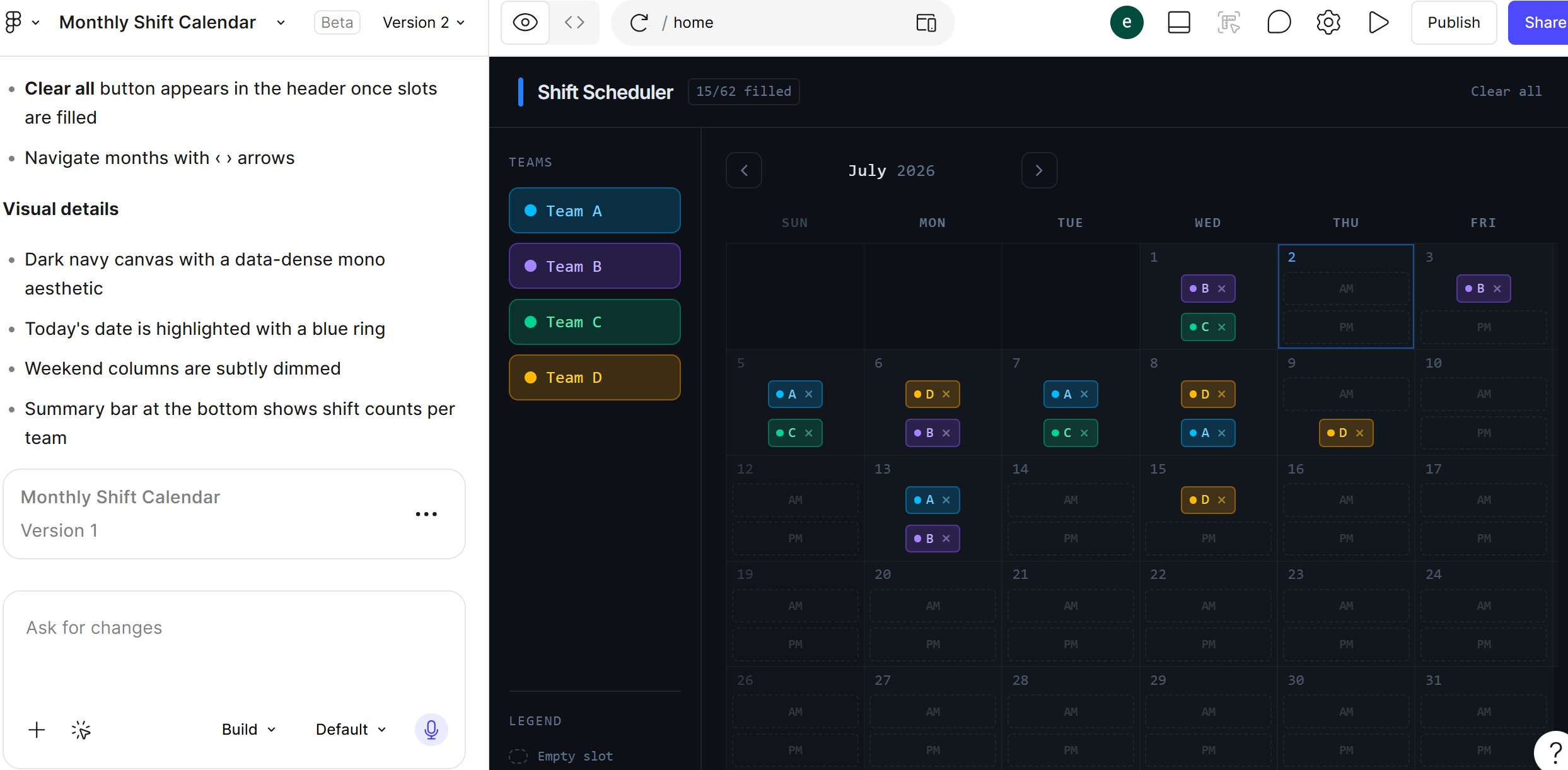
☑️ Figma Make will generate your prototype. Try it out and think of changes you want to make.
Step 2: Refine it by chatting
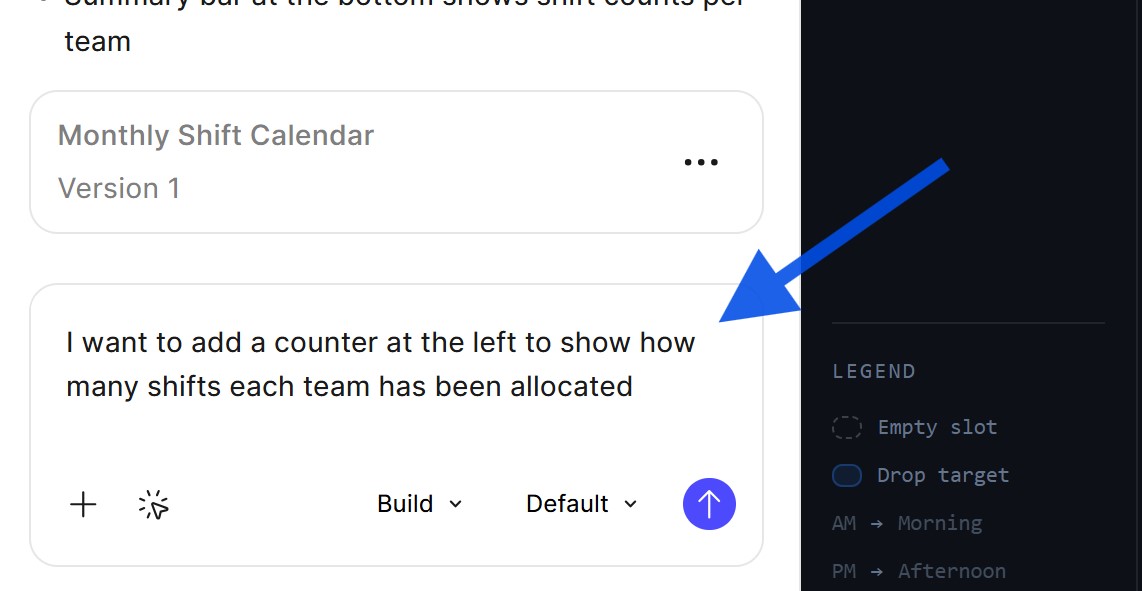
☑️ Keep typing instructions in the chat window to shape the prototype. Each instruction updates the prototype in real time. Continue until it looks and works the way you want.
Step 3: Publish and share
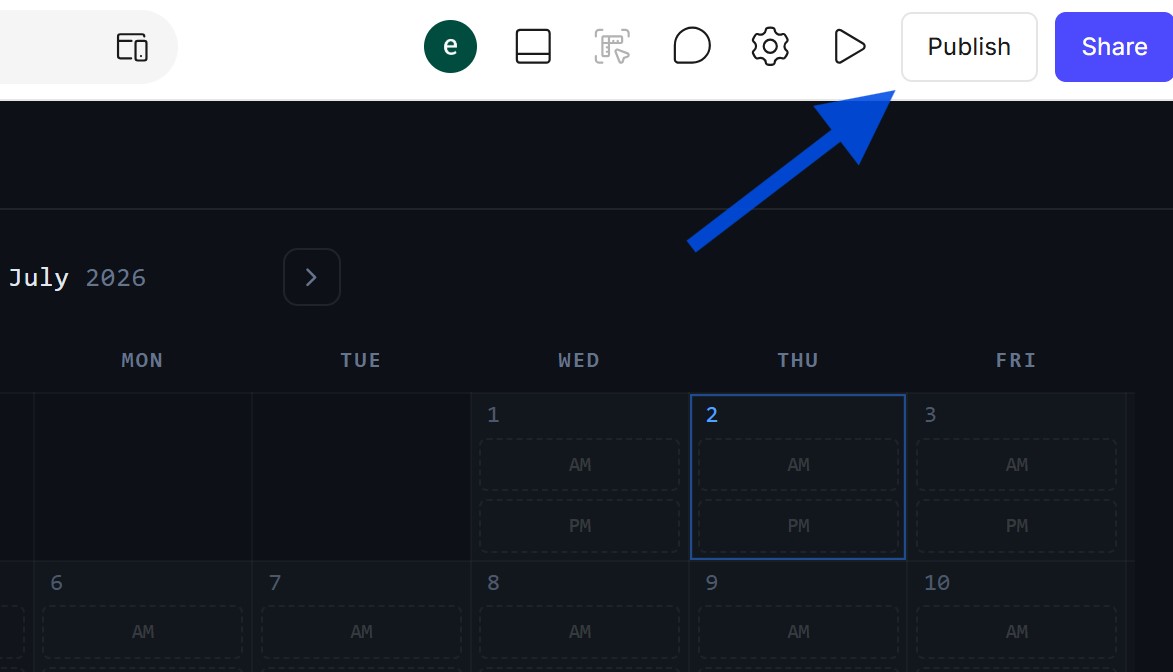
☑️ Once you are happy with the prototype, click 'Publish' and wait for the process to complete.
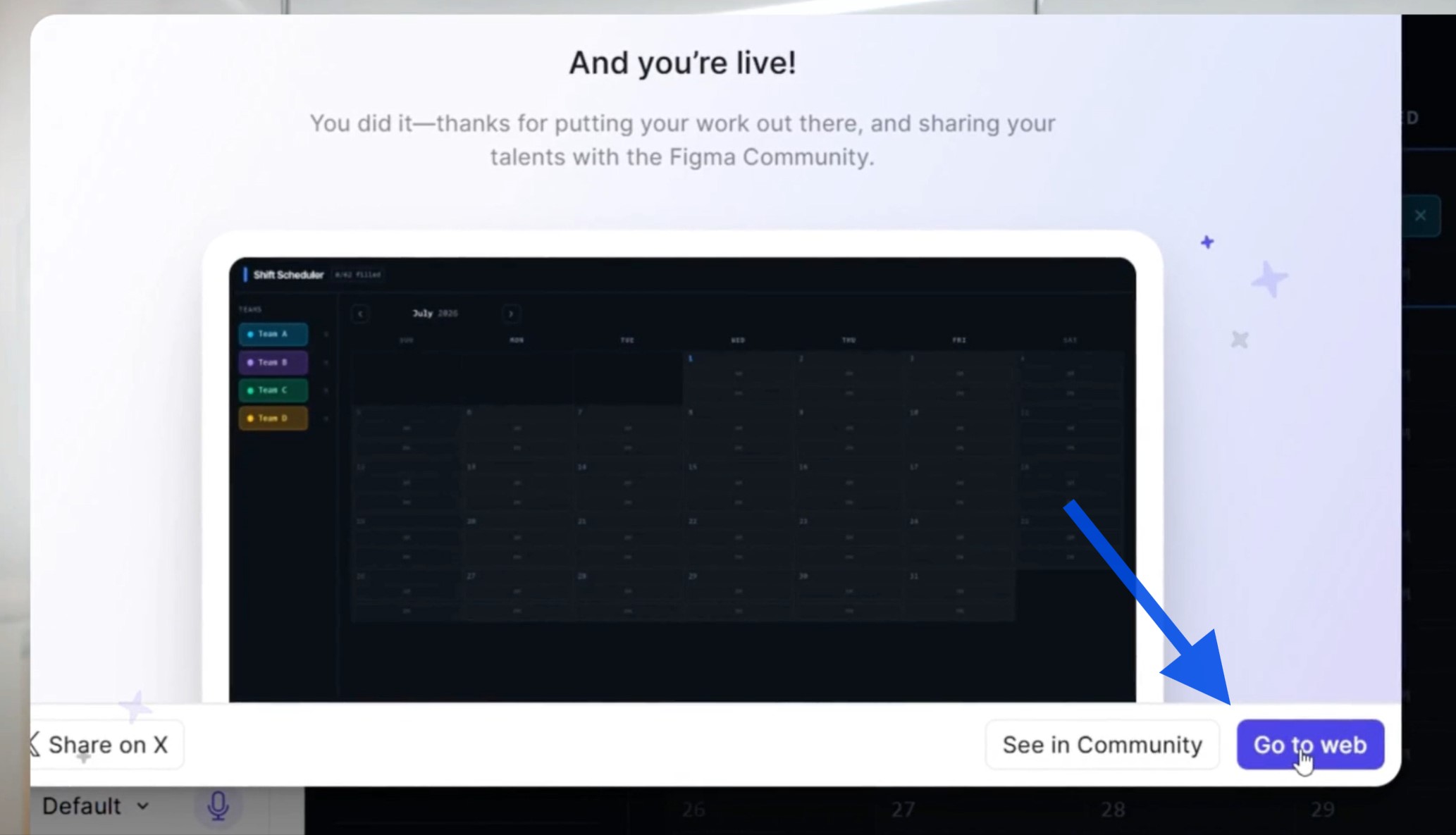
☑️ Copy the link to your app and share it with your team. They can then open the shift calendar, move blocks around, and provide feedback on whether the design works in practice.
Now it is your turn to try!
Think of one everyday team problem that is still managed in a spreadsheet, form, or email thread. Then try turning it into a simple app prototype in Figma Make.
A good starting prompt is:
Build a [type of app] for [your team]. It should help users [main task], show [key information], and include [important features].