
Onboarding to ChatGPT Enterprise
Learning Pathway:
AI 201: ChatGPT in Everyday Tasks
29 June 2026
Received an invite to join ChatGPT enterprise? Let's get onboarded step-by-step.
Step 1: Accept the ChatGPT Enterprise invitation
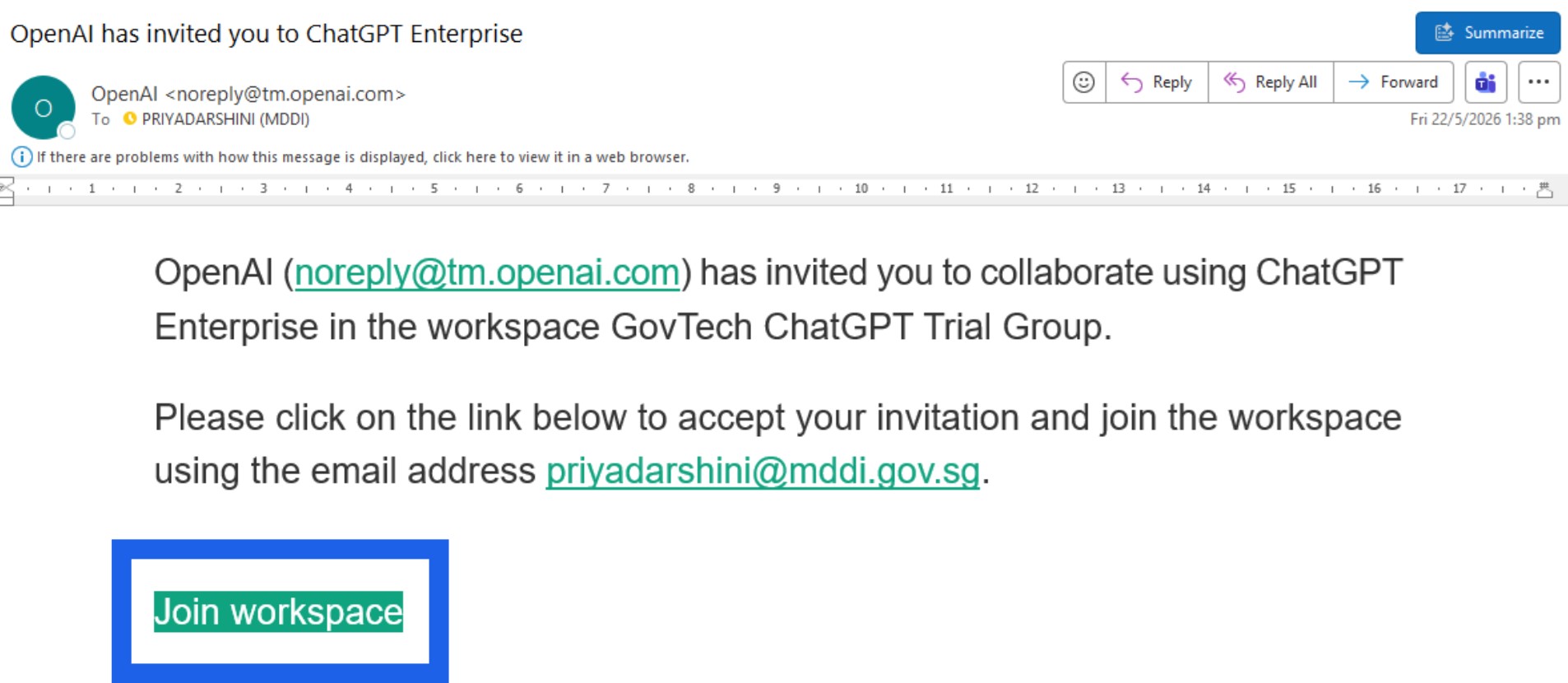
☑️Open your Outlook. Find an email titled: “OpenAI has invited you to ChatGPT Enterprise“. Click 'Join workspace'.
Step 2: Log in with email & OTP
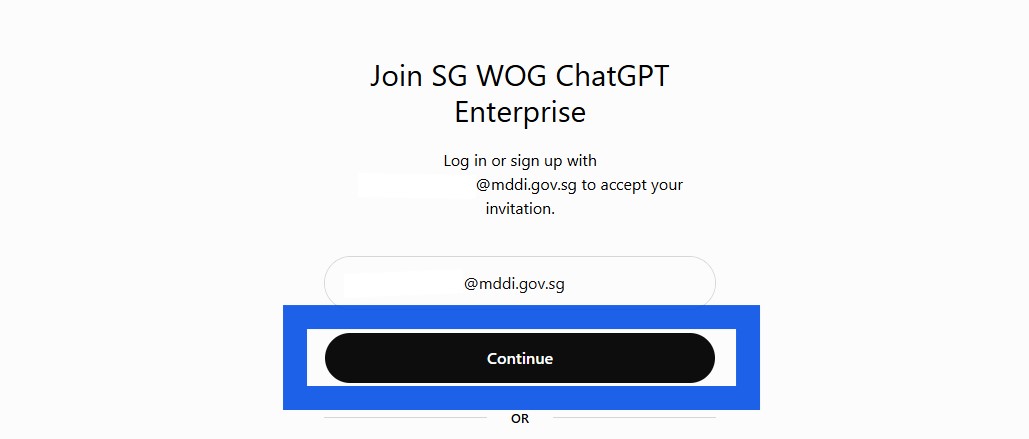
☑️Log in with your WOG email address (pre-populated)
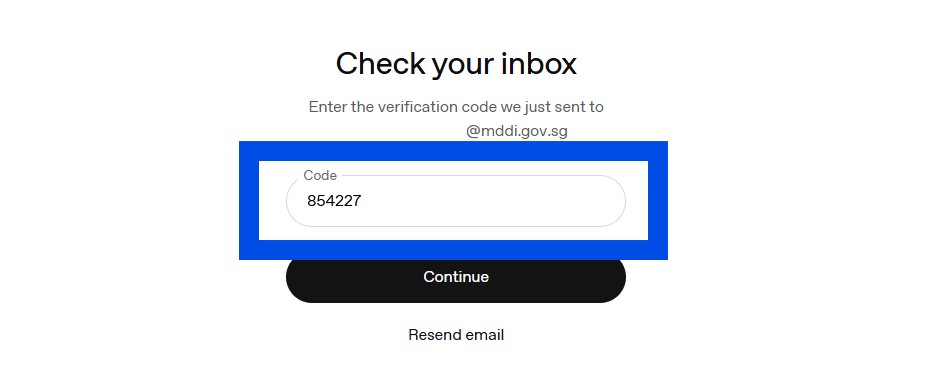
☑️Check your email for an OTP and enter it.
Step 3: Set up your profile
☑️Fill in your details to set up your profile.
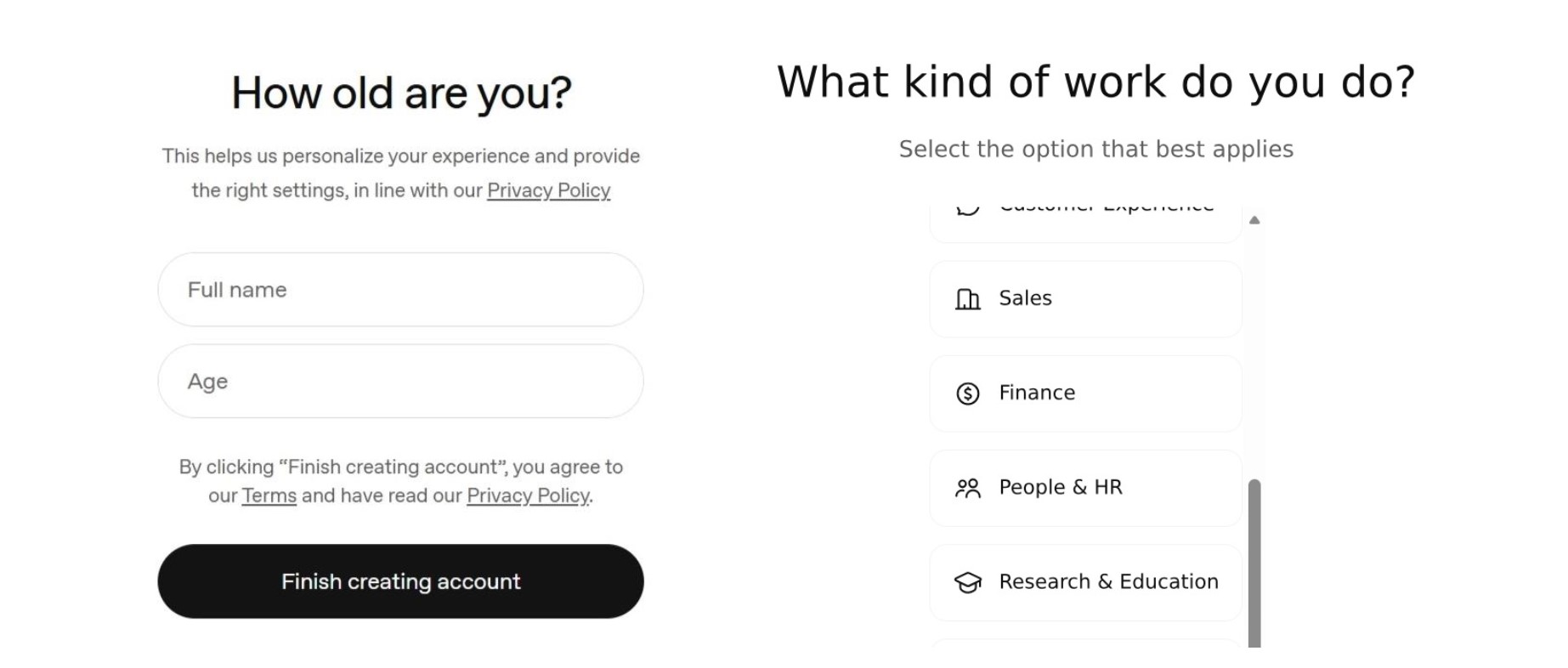
☑️Connect to apps you use. Or you can 'skip' for now and do this later.
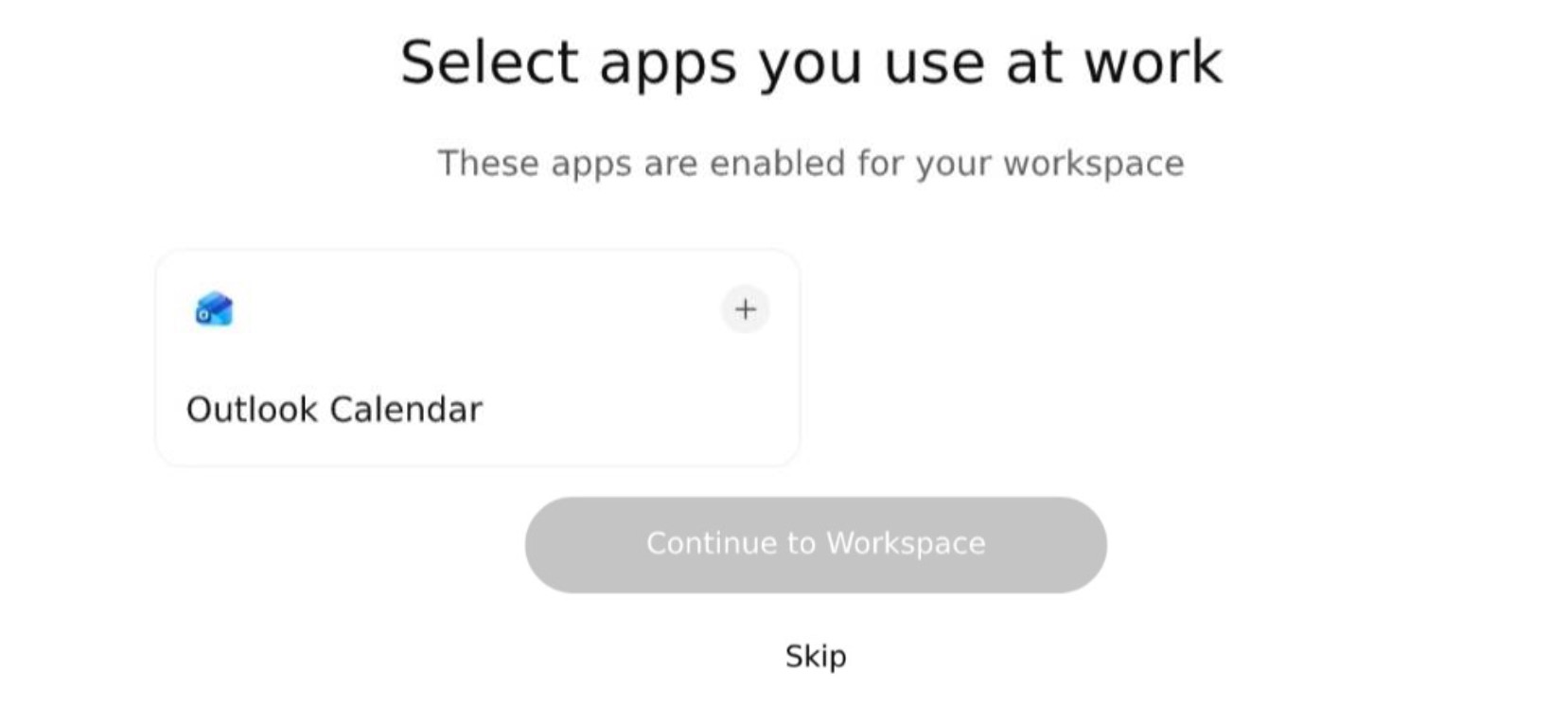
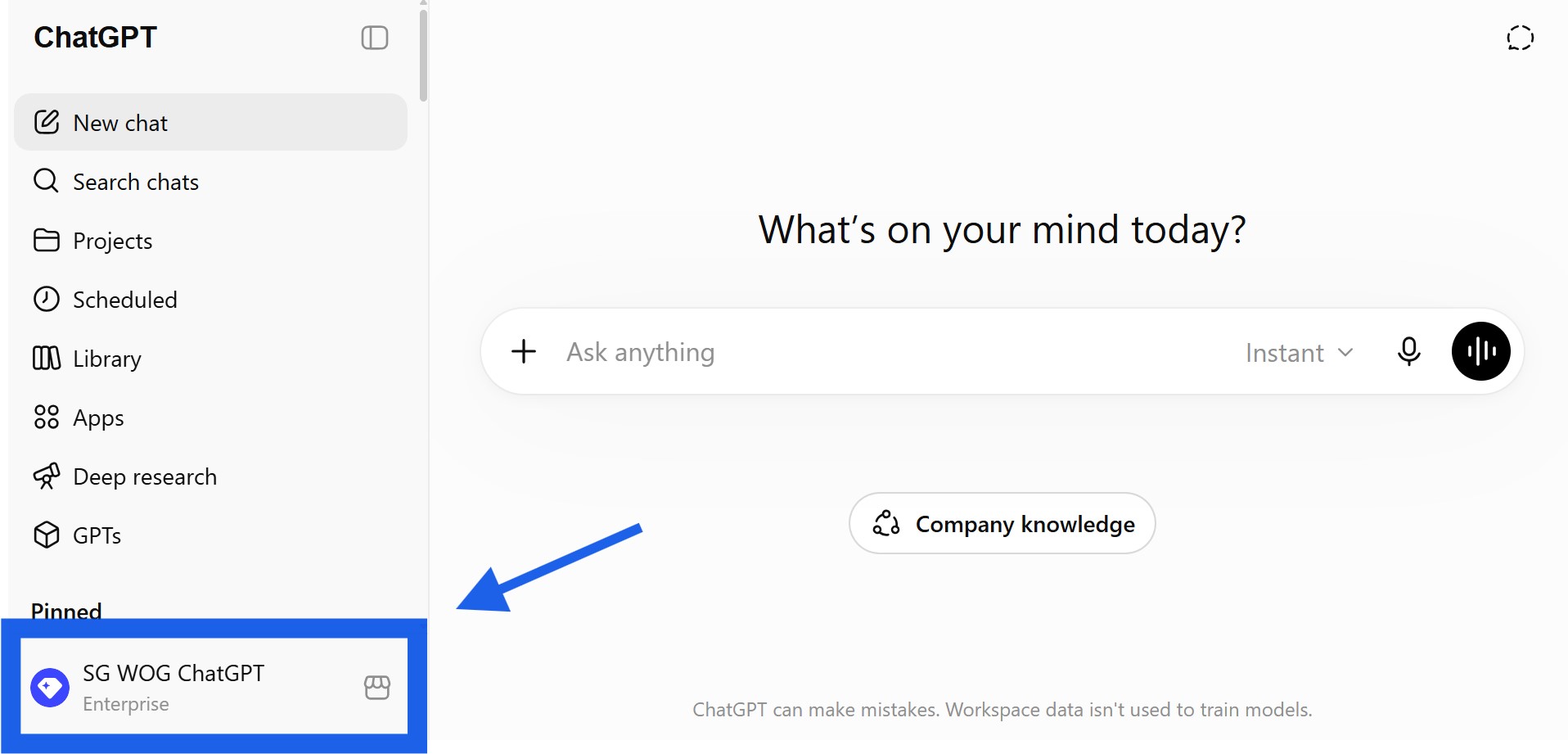
Step 4: Confirm you are in the WOG ChatGPT Enterprise workspace
☑️Check the bottom left of your ChatGPT interface. If it says SG WOG Enterprise, you have successfully onboarded!
Learn what you can do with ChatGPT
Now that you have onboarded to ChatGPT Enterprise, learn more about how it can help you with your day to day work with our guides and resources:
View all guides and resources
↩️Return to: All Guides & Resources