
Summarise Teams chats with Copilot
3 August 2026
Learning Pathway:
AI Apply 201: Everyday Tasks
Use Copilot in Teams to summarise a conversation, investigate further and draft a reply.
.png)
Today's Exercise
Imagine you have been added to an active Teams project. Rather than searching through the full history yourself, you will use Copilot to do the heavy lifting.
Microsoft 365 Copilot in Teams can help you do three useful things in one workflow:
Summarise a discussion or project
Investigate a specific issue, decision or action
Draft a reply in Teams based on what you found
Here's what you need for this exercise
Tools and inputs required:
🛠️ Tool | Teams |
🔗 Feature | Copilot Chat in Teams |
📂 Your input | Your Teams conversations |
Step 1: Summarise the conversation
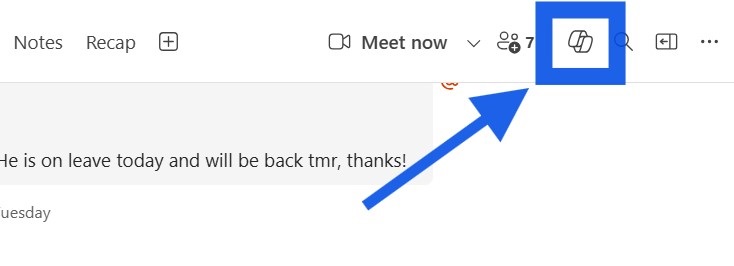
☑️ Open your Teams chat, and click the Copilot icon in the top-right corner.
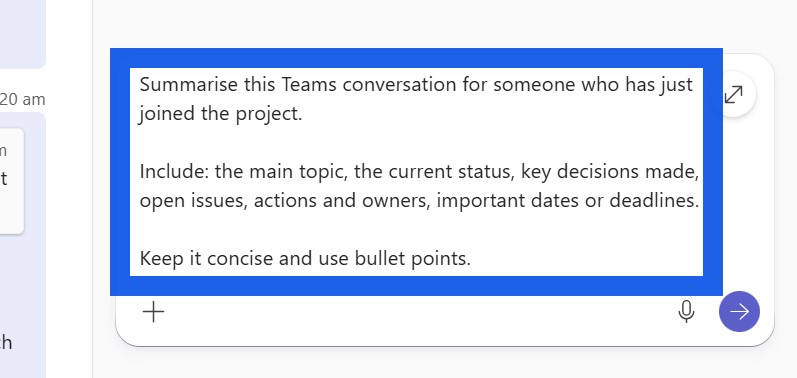
☑️ Ask Copilot for a summary of the discussion. You can use the prompt below.
Ready-to-use prompt
Summarise this Teams conversation for someone who has just joined the project.
Include: the main topic, the current status, key decisions made, open issues, actions and owners, important dates or deadlines.
Keep it concise and use bullet points.
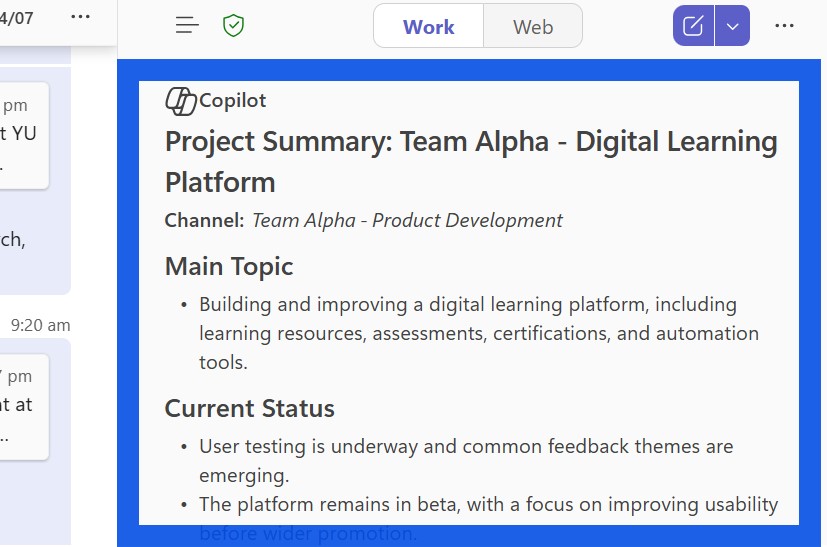
☑️ Copilot will generate a summary based on the Teams conversation.
Step 2: Investigate further
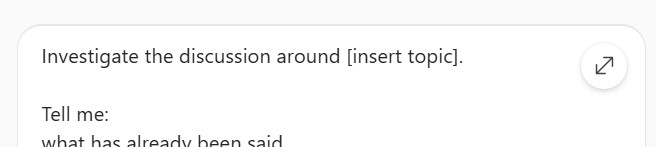
☑️ Once you have the summary, ask Copilot to investigate one specific point that still needs clarity. You can use the prompt below.
Ready-to-use prompt
Investigate the discussion around [insert topic].
Tell me:
what has already been said
whether a decision has been made
who is responsible
whether there are any disagreements or unresolved questions
what I should check before replying
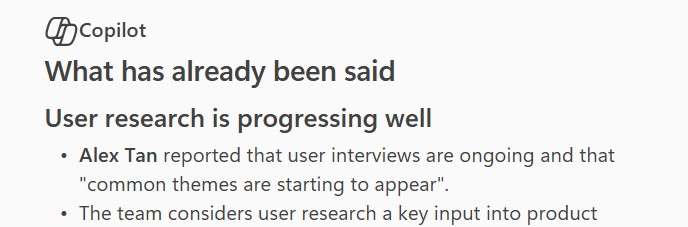
☑️ Copilot will provide more detailed information on the topic.
Step 3: Craft a reply with Copilot
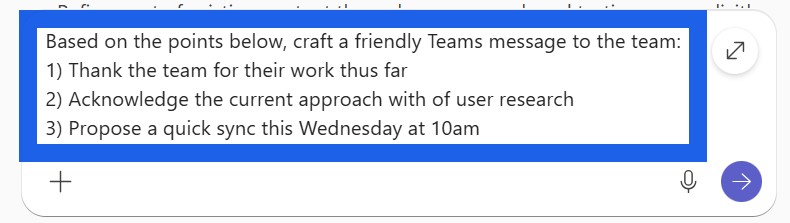
☑️ Use Copilot to help craft your reply. You can use the prompt below as a guide:
Ready-to-use prompt
Based on the points below, craft a friendly Teams message to the team:
1) [point A]
2) [point B]
3) [point C]
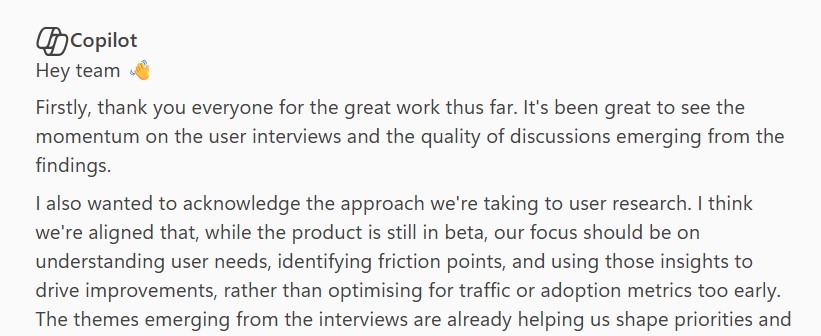
☑️ Review and edit your draft, before sending it in the Teams chat.
Now it is your turn to try!
Open a Teams thread you need to respond to and ask Copilot to:
Summarise the discussion
Investigate [specific issue]
Draft a reply with [these points]
That gives you a simple workflow for understanding the conversation first, checking the detail second, and writing the response last.