
Analysing employee survey data
Learning Pathway:
AI 201: Domain Specific Tasks
17 June 2026
Learn how to use ChatGPT to generate reports from raw survey data.
.png)
Today's Exercise
Your engagement survey just closed and the insights you need are buried somewhere in the rows and rows of data. AI changes the equation. This guide shows you how to let AI do the heavy lifting, and how to apply the human judgment that turns a finding into action.
Let's analyse a survey dataset and create a reusable workflow.
Prepare your data
Analyse with ChatGPT and generate a report
Save the workflow as a reusable skill
Here’s what you need for this exercise:
Tools and Input required
🛠️ Tool | ChatGPT Enterprise (WOG) |
🔗 Feature | File Upload |
📂 Your input |
Note: You can use any survey dataset. If you don't have one handy, use the fictional dataset above.
Step 1: Prepare your data
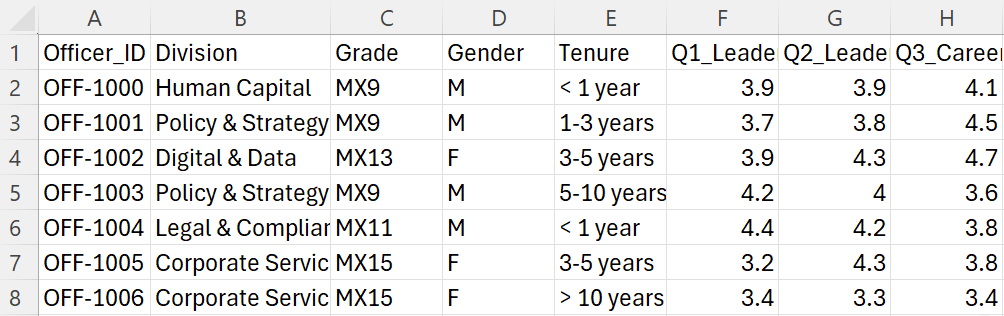
☑️ Prepare your raw survey data. For this exercise, you can use this sample survey data [CSV, 18.95 KB] (opens in new tab).
Step 2: Analyse with ChatGPT and generate a report
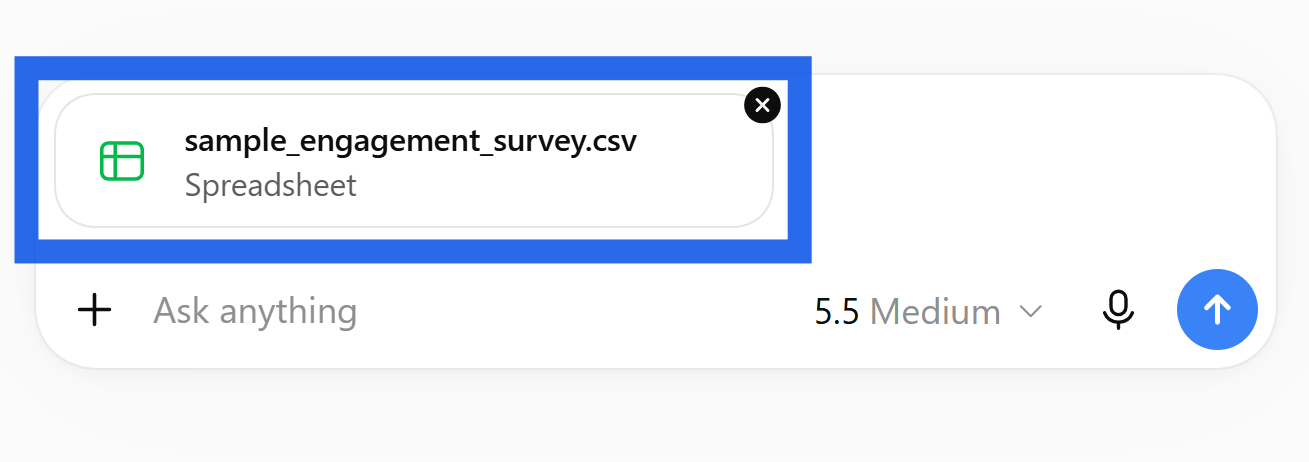
☑️ Go to ChatGPT enterprise (opens in new tab) and upload the survey data. Ensure the data is anonymised.
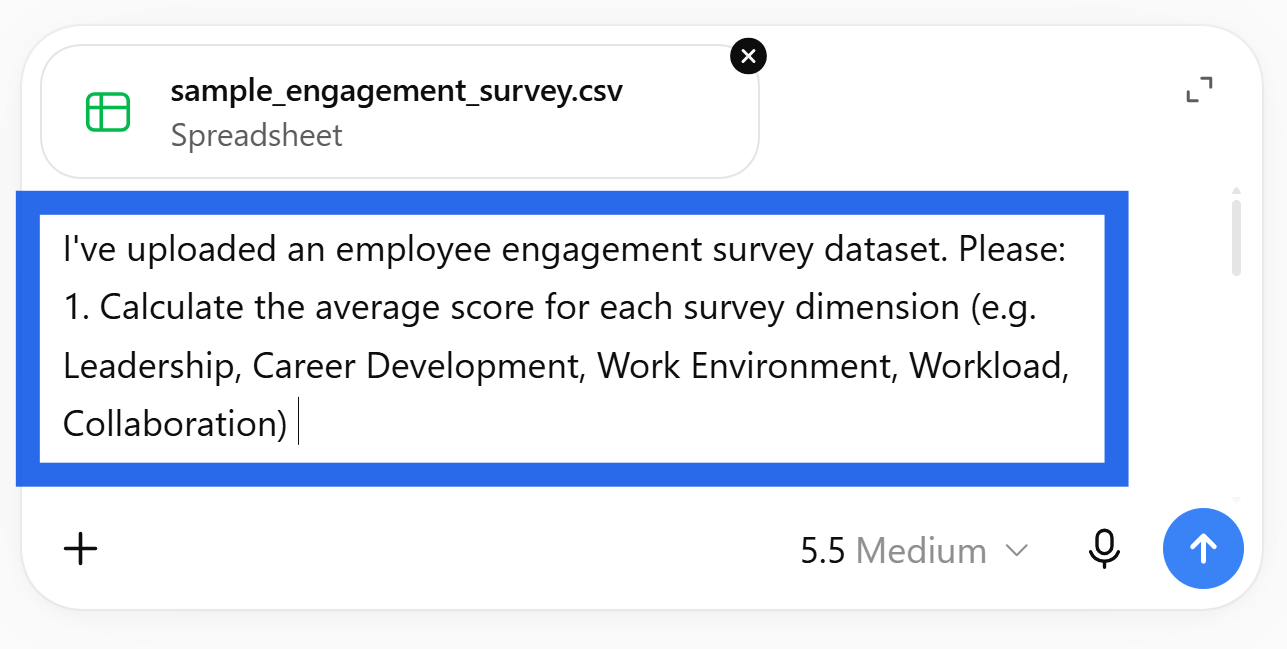
☑️ Ask ChatGPT to analyse the dataset. You can use the prompt below.
Ready-to-use prompt
I've uploaded an employee engagement survey dataset. Please:
1. Calculate the average score for each survey dimension (e.g. Leadership,Career Development, Work Environment, Workload, Collaboration)
2. Identify the top 3 strengths (highest scoring dimensions)
3. Identify the top 3 areas of concern (lowest scoring dimensions)
4. Read the open-text comments and group them into themes — list the top 5themes with 2–3 example quotes each
5. Highlight any significant differences between divisions if the data includes a division column
Present this as a structured report with clear headings.
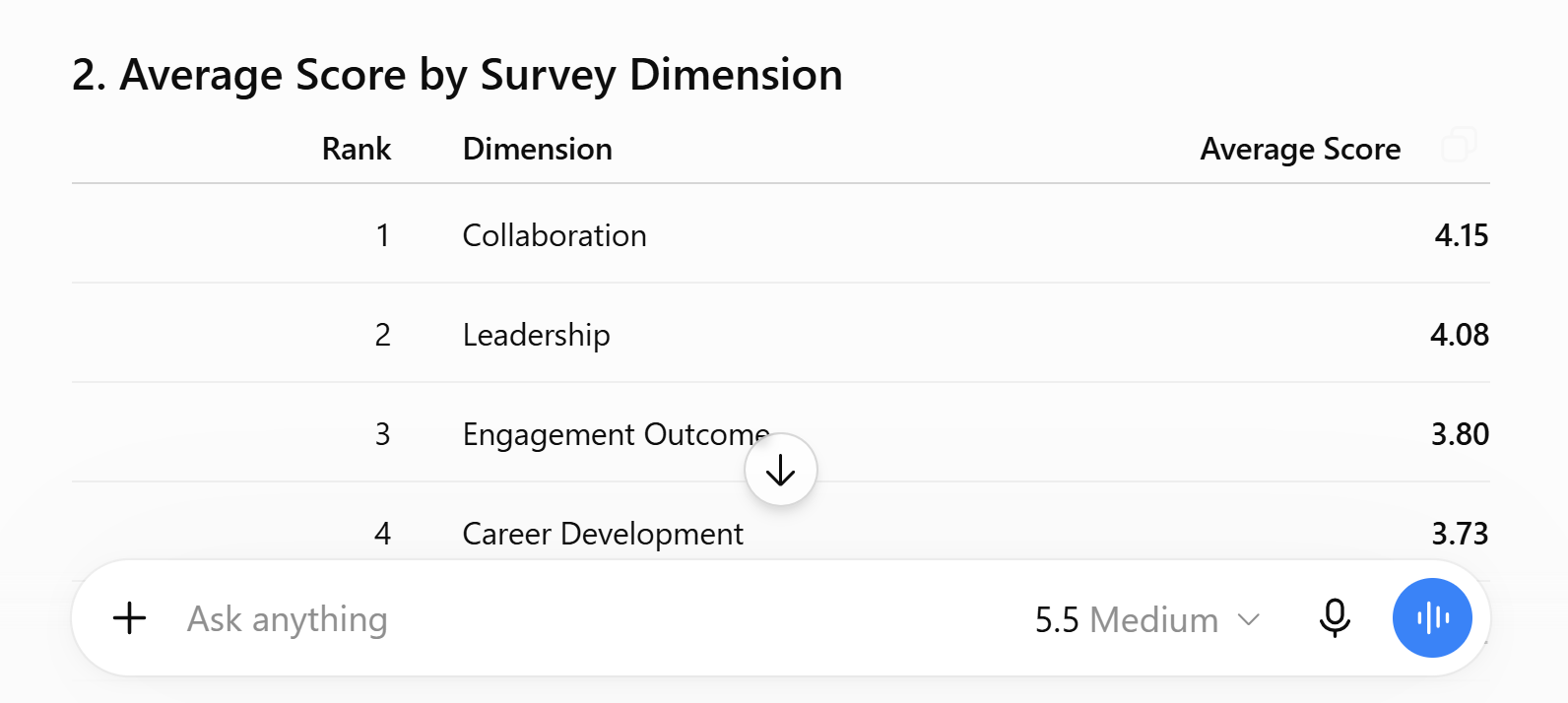
☑️ ChatGPT will generate the analysis.
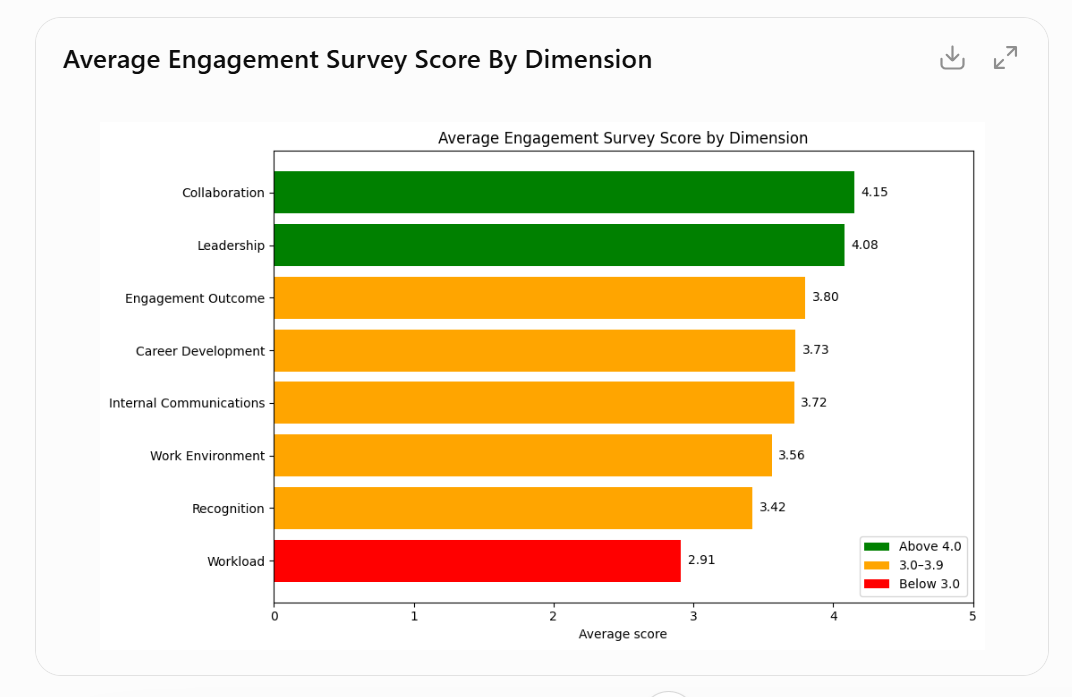
☑️ You even create visuals from the data. Use the prompt below to generate this chart.
Ready-to-use prompt
Now create a horizontal bar chart showing the average score for each survey dimension, sorted from highest to lowest. Use a colourscale: green for scores above 4.0, amber for 3.0–3.9, red for below 3.0. Add the numeric score label to each bar.
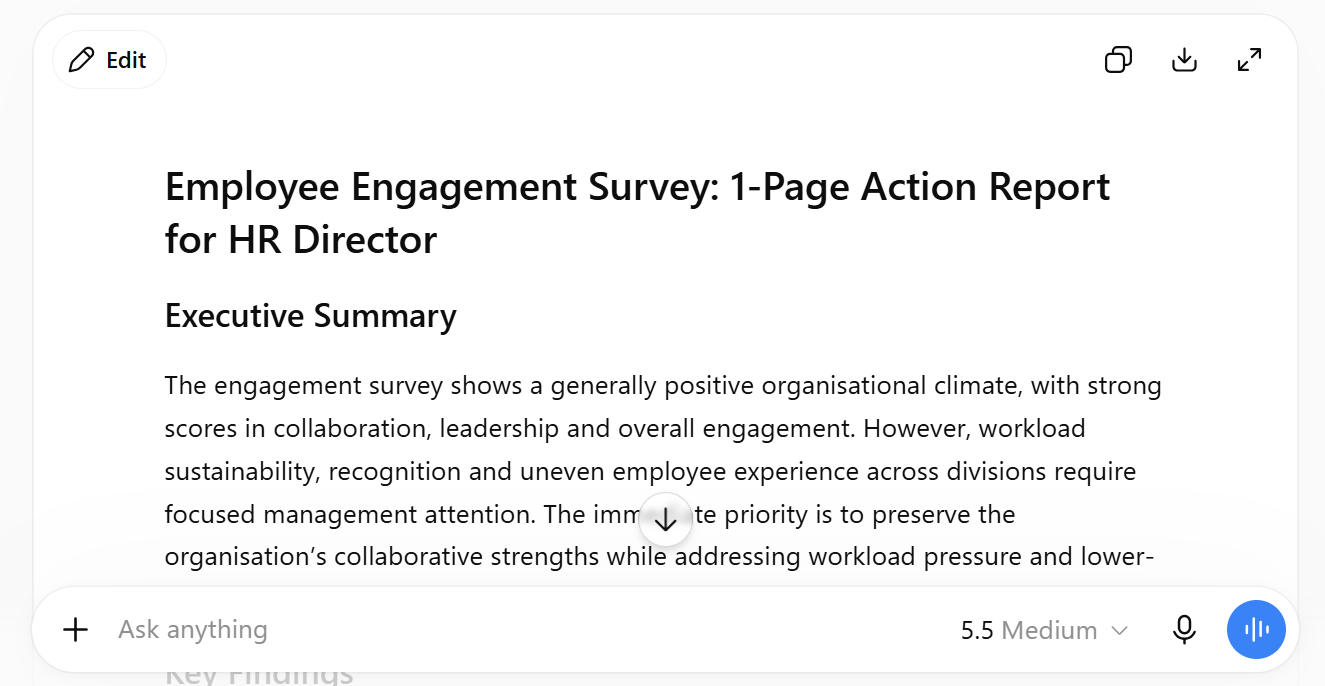
☑️ Finally, ask ChatGPT to turn the insights into a 1-page report. Use the prompt below.
Ready-to-use prompt
Based on this analysis, draft a 1-page action report for the HR Director. Structure it as:
- Executive Summary (3 sentences)
- Key Findings (top 3 strengths, top 3 concerns)
- Recommended Actions (5 specific, implementable actions with responsible owner and suggested timeline)
- Next Steps
Write in a clear, professional tone suitable for a senior government audience.
Step 3: Save the workflow as a reusable skill

☑️ Ask ChatGPT to save the entire workflow as a reusable 'skill'.
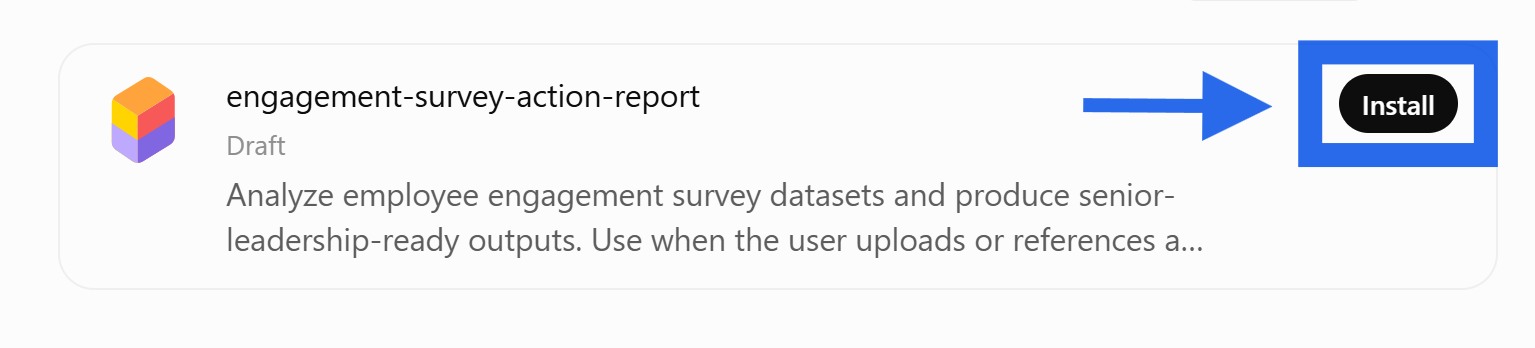
☑️ Once the skill is packaged, click 'Install'.
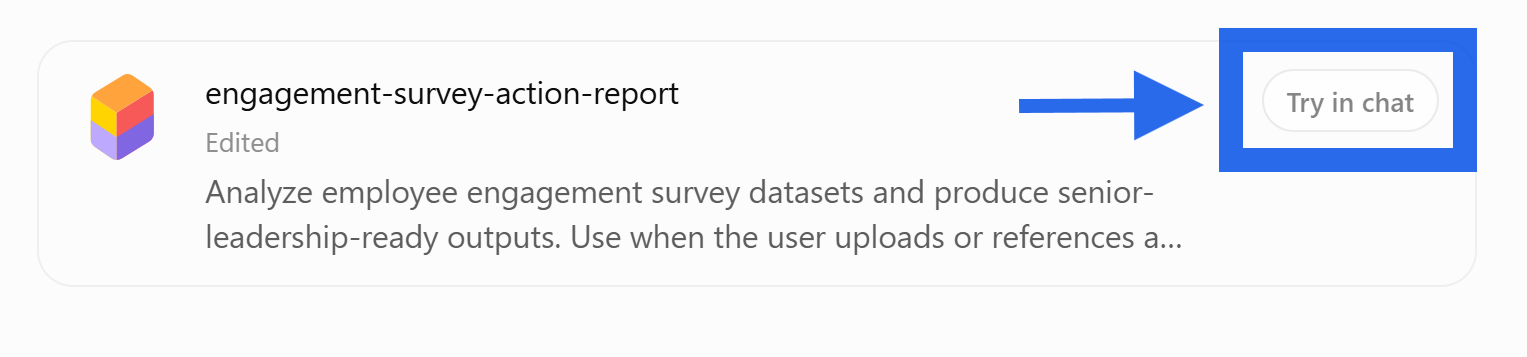
☑️ Click 'try in chat' to test out your skill.
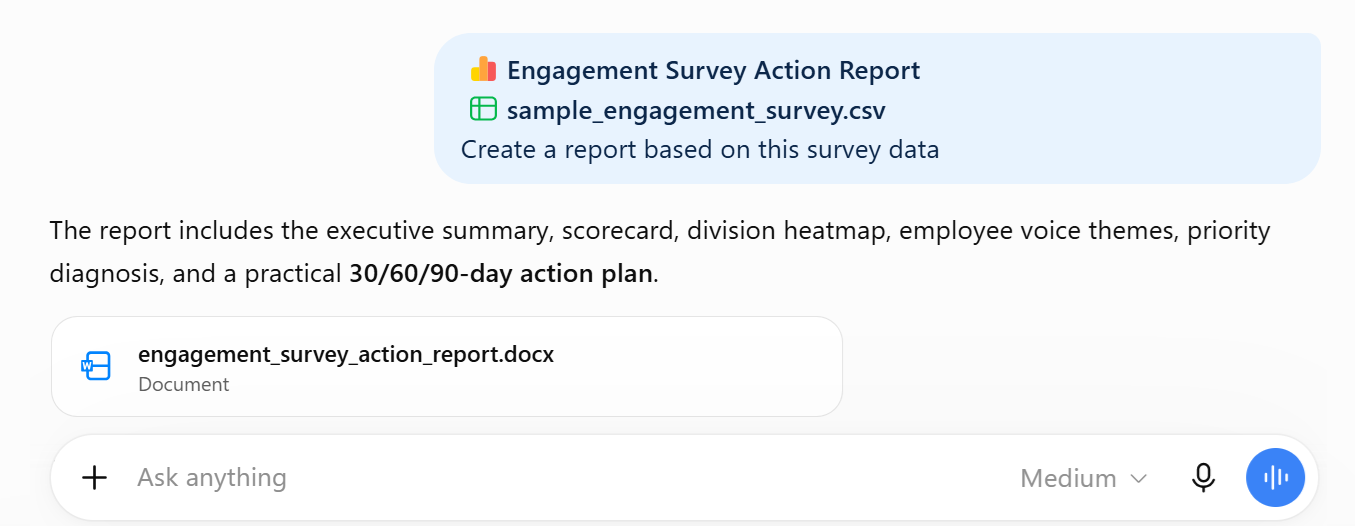
☑️ You can now use the skill to generate the report, without repeating your instructions
Now it's your turn to try!
Take 10 minutes for data analysis and creating impactful visuals.
📂 Prepare your data. Get the survey results ready in the right format and have ChatGPT generate a visually impactful chart/figure for you, highlighting key findings.
⚡ Review Critically. Ensure that the AI returned insights that are useful, or iterate further to obtain meaningful conclusions.
🔍 Test and Share. If this worked well for you, consider saving the workflow as a skill and share it with others.
📅Following the 12-Week Learning Plan?
Congratulations on reaching Week 8! This guide is part of a 12-week learning plan designed to help you build practical AI skills. You're well on your way to becoming AI fluent.

Preview the 12-Week Learning Plan
12 Week Learning Plan
⏭️Next Guide: Draft Job Descriptions [HR]
↩️Return to: AI 201 Apply Learning Pathway